After Effect Course
Master After Effects and Graphic Design with our course in Vadodara. Learn motion graphics, video effects, animation, CorelDRAW, Photoshop, Illustrator, and InDesign through hands-on training. Our After Effects & Graphic Design Training provides certification, practical skills, and career opportunities for aspiring designers and motion graphics artists.
Adobe After Effects Course
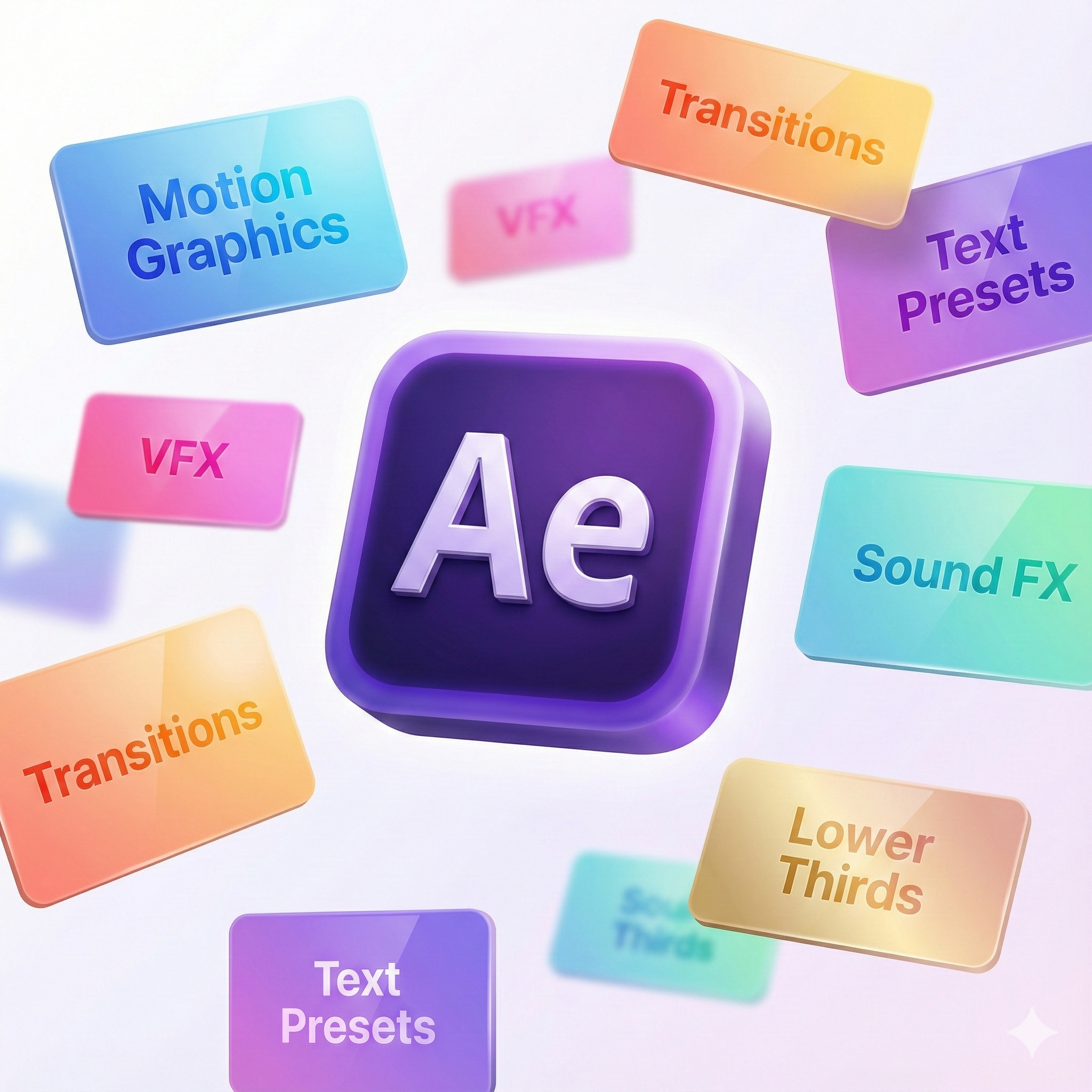
The Adobe After Effects Course provides comprehensive training in motion graphics, visual effects (VFX), and animation. Learn to create dynamic videos, animations, and cinematic visual effects using industry-standard tools. This course combines theoretical concepts with hands-on projects to develop your creative and technical skills in video post-production. After Effects is a powerful software widely used in film, television, advertising, and digital media for creating motion graphics and VFX. It allows users to combine video, audio, and images to produce compelling visual stories. By mastering After Effects, you’ll gain the ability to produce professional-quality animations, intros, logo reveals, and video effects. This course equips you with practical experience in key areas such as compositing, keyframing, masking, motion tracking, and 3D animation. Through guided projects, you’ll build a strong portfolio showcasing your skills and preparing you for creative roles in media and entertainment.
- Basics of Adobe After Effects interface and workflow
- Keyframing, animation principles, and motion graphics
- Visual effects, compositing, and masking
- 3D layers, tracking, and rendering
- Advanced effects, transitions, and cinematic techniques
Enroll today to start your journey into motion graphics and visual effects, and build a professional career in multimedia and creative industries!
What will I learn?
- Proficiency in Adobe After Effects software
- Industry-ready skills in motion graphics and VFX
- Ability to create animations, intros, and video effects
- Enhanced creativity and storytelling through visual media
Requirements
- Basic knowledge of computer operation and video editing
- No prior experience in After Effects required
- Willingness to practice hands-on projects and exercises
Start Your Enrollment
We are variations of passages the have suffered.
Why Choose Us ?
Choose us for practical, industry-focused Adobe After Effects training that helps you master motion graphics and visual effects from scratch. Our expert instructors teach real techniques used in film, advertising, and digital media. You will work on hands-on projects, animations, compositing, and VFX workflows. With personalized guidance and updated tools, we help you build a strong creative portfolio and become job-ready in the motion design industry.
Career Opportunities After Adobe After Effects Course
The Adobe After Effects Course equips learners with advanced skills in motion graphics, visual effects, and animation. After completing this course, learners can pursue roles such as Motion Graphics Designer, VFX Artist, Video Editor, Multimedia Designer, or Animator. The course covers key techniques for creating visual effects, animations, and compositing for films, advertisements, and digital media projects.
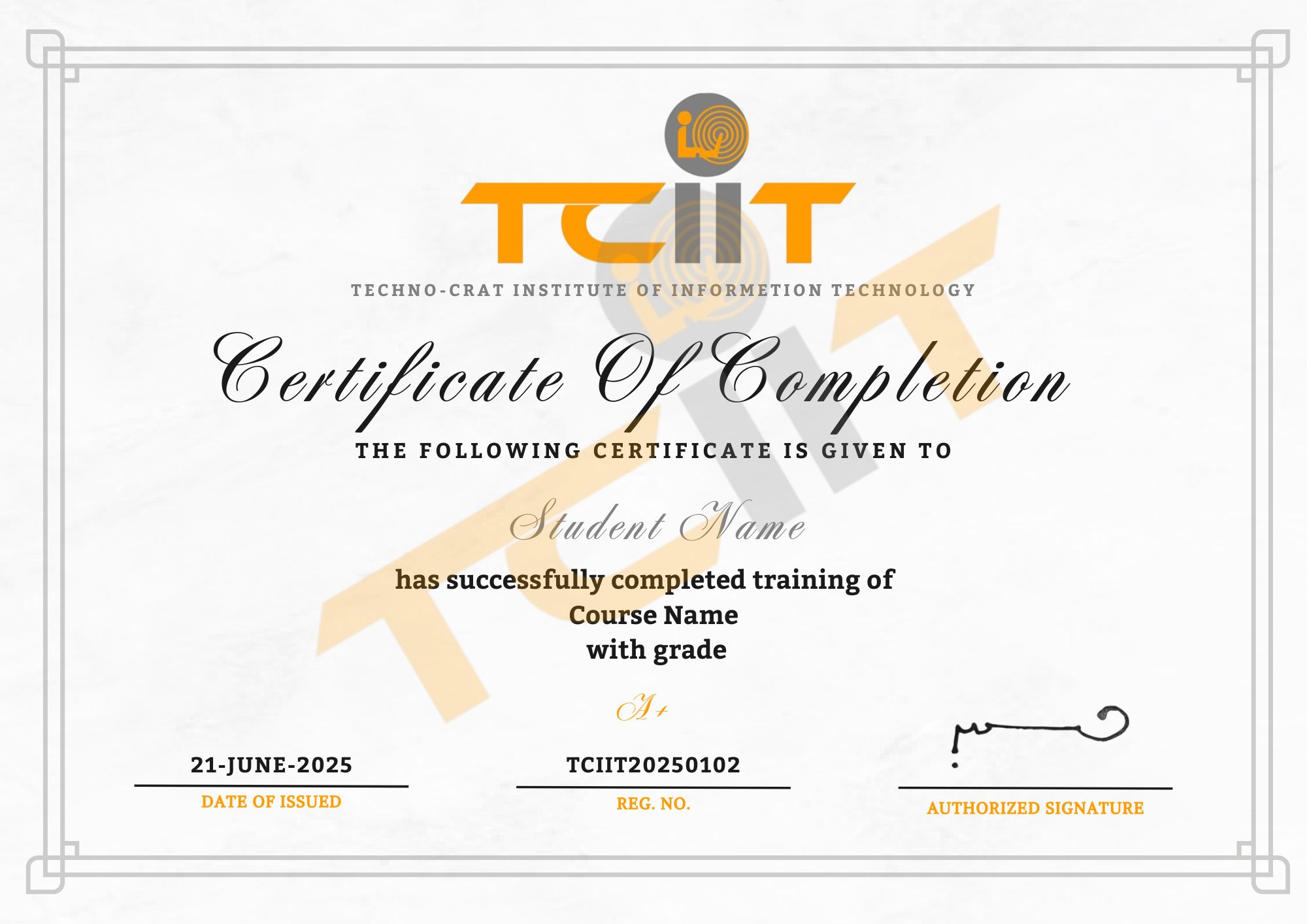
Adobe After Effects Course Certification
Get Certified and Enhance Your Motion Graphics Skills
- Complete all modules covering animations, compositing, visual effects, and motion graphics.
- Submit practical projects such as short animations, VFX shots, or motion graphics videos.
- Pass the Adobe After Effects Certification Exam to receive your official credential.
Upon successful completion of the Adobe After Effects Course, you’ll receive a professional certificate through our Learning Management System (LMS). This certification validates your expertise in animation, visual effects, and motion graphics — helping you stand out in media, entertainment, and creative industries.