Autocad Electrical Course
This course focuses on the specialized features of AutoCAD Electrical used for designing electrical control systems. Learn to create and modify electrical schematics, panel layouts, and wiring diagrams using intelligent symbols and automated tools. The course also covers project management, error checking, and report generation, helping you streamline electrical design tasks and ensure compliance with industry standards.

AutoCAD Electrical Certification Training Course
Our AutoCAD Electrical Course is designed to train learners in creating professional electrical drawings, control panel designs, wiring diagrams, and industrial automation schematics. This hands-on course covers electrical symbols, circuit design, PLC wiring, panel layout, project management tools, and automated electrical documentation using AutoCAD Electrical. Whether you're an electrical engineering student, electrician, control panel designer, automation engineer, or someone building a career in industrial electrical systems, this course provides complete practical experience through real industrial projects and electrical drafting assignments.
- Introduction to AutoCAD Electrical interface & project setup
- Electrical drafting symbols and standards
- Creating single-line diagrams (SLD)
- Control circuit design & ladder logic diagrams
- Wire numbering, tagging & automatic labeling
- Creating multi-line diagrams and control schematics
- PLC wiring diagrams and I/O configuration
- Electrical panel layout design
- Motor control circuits: DOL, Star-Delta, VFD wiring
- Working with electrical symbol libraries
- Cable scheduling, terminal plans & connection lists
- Automatic reporting: BOM, wire lists, PLC lists
- Panel manufacturing drawings & industrial safety standards
- Working with layouts, title blocks & professional plotting
- Real-world electrical design project (Industrial Panel Project)
AutoCAD Electrical is the industry-standard tool used across electrical design, automation, manufacturing, power distribution, panel building, and industrial engineering. This course helps learners master specialized tools such as symbol libraries, wire numbering, ladder logic diagrams, PLC modules, panel layout creation, circuit annotations, and automated reporting tools. You will learn to design electrical circuits like motor control circuits, MCC layouts, relay logic diagrams, PLC wiring, single-line diagrams, panel schedules, terminal plans, and professional electrical schematics. By course completion, you will be able to create accurate, industry-ready electrical drawings used in real engineering environments Enroll now and become a skilled AutoCAD Electrical Designer ready for industrial electrical design, automation, and panel drafting careers!
What will I learn?
- Skills to create professional electrical drawings & schematics
- Ability to design control circuits, PLC wiring, and panel layouts
- Hands-on experience with AutoCAD Electrical’s automation tools
- Knowledge of industrial electrical standards & documentation
- Confidence to work as an Electrical CAD Designer or Automation Draftsman
- Industry-ready skills for manufacturing, power, automation & panel design roles
Requirements
- Basic understanding of electricity (recommended)
- Laptop/PC capable of running AutoCAD Electrical
- No prior CAD experience required – beginner friendly
- Interest in electrical engineering, automation, or panel design
Start Your Enrollment
We are variations of passages the have suffered.
Why Choose Us ?
At TCIIT, our AutoCAD Electrical Course gives students the practical skills needed to design accurate and professional electrical layouts used in real industries. We focus on circuit design, panel layouts, wiring diagrams, load distribution, and electrical schematic drafting exactly as required in the electrical engineering and industrial sectors. Students get hands-on experience with symbols, layers, annotations, PLC diagrams, control circuits, and panel board design. Every session is filled with real-time practice, helping you master electrical drafting from basic to advanced. Our expert faculty ensures that you understand industry-level standards, so you can confidently work on electrical projects for buildings, industries, automation plants, and consultancy companies.
AutoCAD Electrical Course Placement Opportunities
After completing the AutoCAD Electrical Course, you become eligible for placement opportunities in top electrical, manufacturing, and engineering companies such as ABB, Schneider Electric, Siemens, L&T, and Tata Projects. This course equips you with skills in electrical drafting, circuit design, and 2D/3D modeling, preparing you for roles like Electrical Drafter, CAD Designer, and Electrical Design Engineer.
AutoCAD Electrical Course Certification
Earn Your AutoCAD Electrical Certification in Three Steps
- Complete the online or offline AutoCAD Electrical Training Course and all practical exercises.
- Successfully complete industry-based electrical drafting and design projects.
- Pass the AutoCAD Electrical Course Certification Exam to earn your official credential.
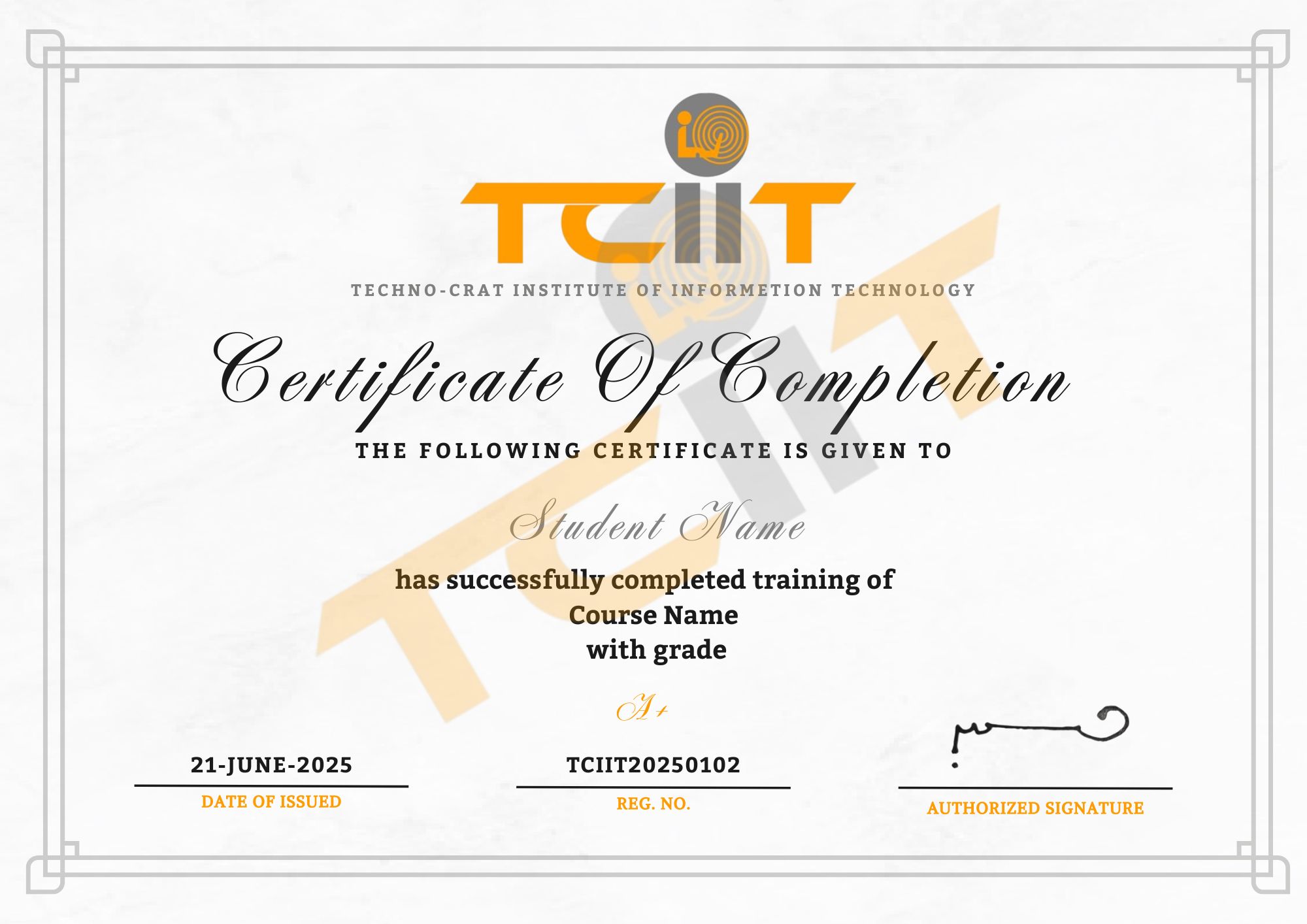
The AutoCAD Electrical Course certificate will be issued through our Learning Management System (LMS), where you can easily download it. Add this certification to your CV or LinkedIn profile to showcase your expertise in electrical drafting, circuit design, and AutoCAD tools.