Front End Developer Course

This course focuses on building the visual and interactive parts of websites. You will learn HTML, CSS, JavaScript, and popular frameworks like React or Vue.js. Perfect for beginners who want to create beautiful, responsive, and user-friendly websites.
thumb

Front End Web Development Certification Course

Learn to build modern, responsive, and interactive websites using HTML5, CSS3, JavaScript, jQuery, and Bootstrap/Tailwind CSS. Gain hands-on experience designing user interfaces, dynamic web pages, and visually appealing layouts from scratch. This course equips you with the skills to turn ideas into fully functional websites, ensuring your designs work seamlessly across desktop and mobile devices. You’ll also learn best coding practices, responsive design principles, and interactive elements that make your websites stand out.

  • HTML5: Structure, semantic tags, forms, tables, media
  • CSS3: Styling, Flexbox, Grid, animations, responsive design
  • JavaScript: Variables, functions, DOM manipulation, events
  • jQuery: DOM handling, effects, animations, AJAX basics
  • Bootstrap/Tailwind: Responsive layouts, UI components, utilities

Master essential front-end technologies and frameworks to create visually appealing, interactive, and user-friendly websites, ready for real-world projects and portfolios. Learn to implement modern UI components, animations, and responsive layouts that enhance user experience. This course emphasizes practical learning through projects, so you can showcase a professional portfolio. By the end, you’ll be confident in building complete front-end solutions and collaborating effectively with back-end developers in real-world applications.

What will I learn?

  • Build fully responsive and interactive websites
  • Work with JavaScript and jQuery for dynamic content
  • Use Bootstrap or Tailwind to design professional layouts
  • Integrate front-end components for real-world projects

Requirements

  • Basic computer knowledge
  • No prior coding experience needed
  • A willingness to learn and practice regularly

Web Design

HTML / HTML5 – Structure & Semantics
  • Introduction to web technologies
  • HTML document structure and syntax
  • Headings, paragraphs, lists, and links
  • Working with images, videos, and audio
  • Tables, forms, and input types
  • HTML5 semantic elements (header, nav, section, article, footer)
  • Meta tags and SEO basics
  • Creating a complete web page layout
CSS / CSS3 – Styling & Layout
  • CSS syntax, selectors, and properties
  • Colors, fonts, and text effects
  • Box model and element positioning
  • Flexbox and CSS Grid layout systems
  • Pseudo-classes and pseudo-elements
  • Transitions, animations, and transforms
  • Responsive design using media queries
  • CSS variables and custom properties
  • Creating reusable style components
  • Introduction to CSS frameworks
JavaScript (JS) – Programming for the Web
  • Understanding how JavaScript works in the browser
  • Variables, data types, and operators
  • Functions and scope
  • Conditional statements and loops
  • Arrays and objects
  • Events and DOM manipulation
  • Form validation using JS
  • ES6 features: let, const, arrow functions, template literals
  • Introduction to JSON and APIs
  • Simple interactive projects (e.g., calculator, to-do list)
jQuery – Simplifying JavaScript
  • Introduction to jQuery library
  • Selecting and manipulating DOM elements
  • Event handling and animations
  • jQuery effects (hide/show, fade, slide)
  • Traversing elements and filtering
  • AJAX with jQuery
  • Building interactive UI components with jQuery
Option 1 Bootstrap – Responsive Design Frameworks
  • Introduction to Bootstrap grid system
  • Using containers, rows, and columns
  • Navigation bars, cards, modals, and buttons
  • Forms, tables, and alerts
  • Customizing Bootstrap themes
Option 2 Tailwind CSS – Responsive Design Frameworks
  • Utility-first CSS approach
  • Understanding Tailwind configuration
  • Layout and spacing utilities
  • Typography and color systems
  • Responsive and dark mode design
  • Building a responsive website using Tailwind
Final Project
  • Build a fully responsive multi-page website
  • Combine HTML5, CSS3, JS, jQuery, and Bootstrap/Tailwind
  • Optimize for performance and SEO
  • Host the website on GitHub Pages or Netlify

Front End Framework - React

Module 1: Introduction to React
  • What is React and why use it?
  • React vs traditional JavaScript frameworks
  • Setting up the React environment (Vite / Create React App)
  • Understanding JSX (JavaScript XML)
  • React project structure overview
Module 2: Components & Props
  • Creating functional components
  • Understanding props (data passing between components)
  • Reusable components
  • Component hierarchy and structure
  • Rendering lists using map()
Module 3: State & Events
  • Introduction to React state
  • Using useState() hook
  • Handling user events (click, change, submit)
  • Conditional rendering
  • Two-way data binding
Module 4: Hooks Basics
  • Introduction to React Hooks
  • useState and useEffect explained
  • Side effects and cleanup functions
  • Basic rules of hooks
Module 5: Working with Forms
  • Controlled vs uncontrolled components
  • Handling form data in React
  • Form validation basics
Module 6: React Routing
  • Introduction to React Router
  • Setting up multiple pages
  • Route parameters and navigation
  • Linking between components
Module 7: API Integration
  • Fetching data from APIs using fetch() or axios
  • Displaying dynamic data on the UI
  • Handling loading and error states
Module 8: Styling in React
  • CSS Modules and inline styling
  • Using frameworks like Bootstrap or Tailwind with React
  • Conditional and dynamic styles
Module 9: Project Work
  • Build a mini React project (e.g., To-Do App, Weather App, or Portfolio)
  • Apply components, state, props, and API calls
  • Deploy project on Netlify or GitHub Pages

Start Your Enrollment

We are variations of passages the have suffered.

Why Choose Us ?

Front-End Developer salaries in India

Front-End Developers in India can expect competitive salaries that grow significantly with experience. Entry-level developers with 0–2 years of experience typically earn between ₹3.5 to ₹6 LPA, especially if they have strong portfolios or internship experience. Mid-level developers with 3–5 years of experience can command salaries ranging from ₹8 to ₹15 LPA, particularly if they are proficient in JavaScript frameworks like React, Angular, or Vue.js and have expertise in responsive design and version control. Senior developers with 5–10 years of experience earn ₹15 to ₹25 LPA, with high demand for professionals skilled in API integration, performance optimization, and team leadership. At the leadership or architect level (10+ years), salaries can rise to ₹25–40+ LPA, especially for those managing teams, designing system architecture, or contributing to strategic development. Top-paying roles are often found in Bengaluru, Hyderabad, Pune, and Delhi-NCR, with sectors like IT services, e-commerce, fintech, and startups offering the most opportunities. Mastery of modern frameworks, UI/UX design, and full-stack capabilities can further accelerate career growth and salary potential.

Get Front End Web Developer Certification

Three easy steps will unlock your Front End Web Developer Certification

  • Finish the online / offline course of Front End Web Developer Course and the Assignment.
  • Take on and successfully complete a number of industry-based Projects
  • Pass the Front End Web Developer certification exam

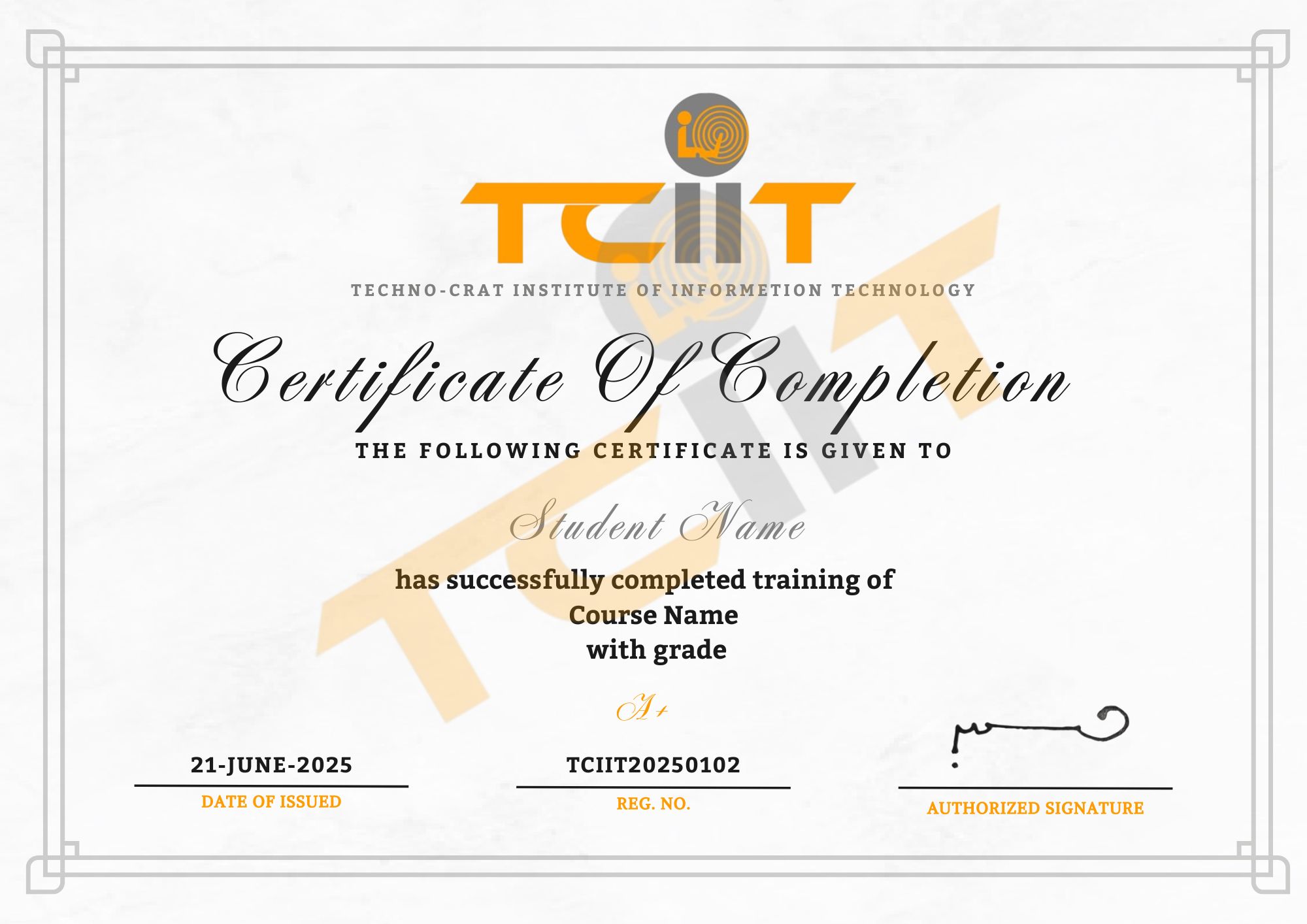
The certificate for this Front End Web Developer course will be sent to you through our learning management system, where you can also download it. Add a link to your certificate to your CV or LinkedIn profile

thumb
whatsapp