Solid Works Course
This course covers 3D modeling, simulation, drafting, and assembly using SolidWorks. Students work on real mechanical components, assemblies, and rendering projects. The program builds strong design, analysis, and manufacturing-ready modeling skills.
SolidWorks – 3D CAD Modeling & Product Design Certification Course
Our SolidWorks Course is designed for learners who want to master professional 3D CAD modeling, product design, assembly creation, and engineering drawing development. SolidWorks is one of the world’s most widely used CAD tools in mechanical engineering, product design, automotive, aerospace, manufacturing, robotics, and industrial machinery. This course provides hands-on training on part modeling, assemblies, sheet metal, surface design, simulation, and real-world mechanical product development. Whether you're a beginner, engineering student, or working professional, SolidWorks skills will help you achieve industry-level design expertise.
- Introduction to SolidWorks interface & tools
- 2D sketching, constraints & relations
- Part modeling: extrude, revolve, sweep, loft
- Advanced modeling tools: patterns, ribs, fillets, chamfers
- Assembly design & mates
- Exploded views & motion studies
SolidWorks offers powerful tools for parametric modeling, motion simulation, finite element analysis (FEA), sheet metal design, and photorealistic rendering. In this course, you will learn how to design complex mechanical parts, assemble multiple components, apply constraints, and create high-quality engineering drawings. By the end of this training, learners will be capable of creating full-scale product designs, conducting basic engineering simulations, and preparing manufacturing-ready documentation Become a SolidWorks-certified design engineer and master 3D modeling, simulation, and mechanical product development!
What will I learn?
- Create detailed 3D mechanical parts using SolidWorks
- Build assemblies with accurate constraints
- Design sheet metal and surface-based components
- Perform engineering simulations (FEA & motion)
- Generate industry-standard drawings and documentation
Requirements
- Basic mechanical engineering knowledge (helpful but not required)
- Laptop/PC capable of running SolidWorks
- No prior CAD experience needed
- Interest in product design & mechanical engineering
Start Your Enrollment
We are variations of passages the have suffered.
Why Choose Us ?
At TCIIT, our SolidWorks Course is designed to provide complete practical training in 3D modeling, mechanical design, product development, simulation, and drafting using industry-standard SolidWorks tools. You learn how to design parts, assemblies, sheet metal components, weldments, and detailed engineering drawings exactly as required in manufacturing, R&D, automotive, aerospace, and product design industries. With hands-on practice on real mechanical components, our expert faculty ensures you understand modern design workflows, making you job-ready for roles like Mechanical Designer, CAD Engineer, Product Designer, and Design Analyst.
Diverse Career Opportunities in SolidWorks: Exploring Mechanical Design & Engineering Roles in India’s Manufacturing & Product Development Industry
In India, proficiency in SolidWorks opens up strong career opportunities across mechanical design, product development, automotive, aerospace, industrial equipment, medical devices, consumer electronics, and manufacturing sectors. Top companies such as Dassault Systèmes, Tata Motors, Mahindra & Mahindra, L&T Technology Services, Bosch, Schneider Electric, GE, Whirlpool, Honeywell, and numerous global engineering design firms actively recruit SolidWorks professionals to create detailed 3D models, assemblies, prototypes, simulations, and engineering documentation. SolidWorks professionals are valued for their ability to design mechanical parts, develop assemblies, perform FEA simulations, generate manufacturing-ready drawings, and improve the efficiency of engineering design cycles. Their expertise helps organizations reduce production errors, enhance product reliability, streamline design-to-manufacturing workflows, and accelerate innovation in new product development. Salary structures vary based on experience, skill level, and industry specialization. In India, the average annual salary for a SolidWorks Design Engineer ranges from 500,000 to 900,000 INR, while in the USA it typically ranges between $70,000 to $95,000 per year, showcasing strong global demand and excellent career growth potential in mechanical design and engineering industries.
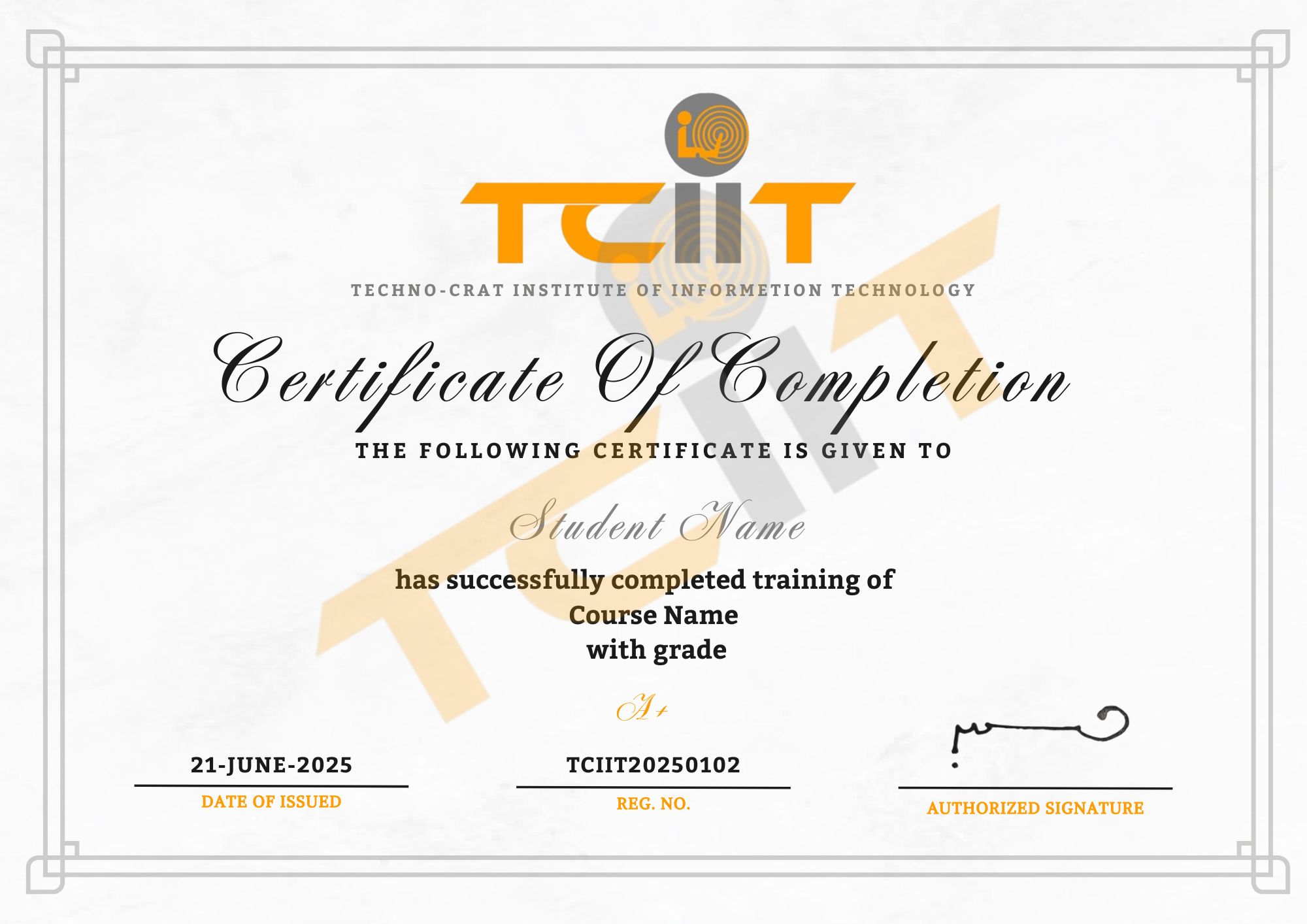
Get SolidWorks Certification
Three easy steps will unlock your SolidWorks Certification
- Complete the online/offline SolidWorks Course along with all required assignments.
- Work on and successfully complete multiple industry-based SolidWorks projects, including part modeling, assemblies, and simulation.
- Pass the SolidWorks Certification Exam to earn your verified, industry-recognized certificate.
The certificate for this SolidWorks course will be delivered through our LMS. You can download it anytime and add the certificate link to your CV, resume, or LinkedIn profile to highlight your mechanical design and CAD modeling expertise.