Autocad Architecture Course
This course is designed to teach the core features of AutoCAD Architecture, a version of AutoCAD tailored for architectural design. Learn to create floor plans, elevations, sections, and 3D models using intelligent architectural objects like walls, doors, and windows. The course emphasizes efficient drafting techniques, building documentation, and project organization to support real-world architectural workflows.
AutoCAD Architecture Certification Training Course
Our AutoCAD Architecture Course is designed to teach learners how to create professional architectural drawings, building layouts, construction blueprints, and 3D architectural visualizations using industry-standard drafting tools. This course covers architectural design elements, floor plans, elevations, sections, interior layouts, structural detailing, and project documentation using AutoCAD Architecture’s specialized architectural toolsets. Whether you're an architecture student, civil engineer, interior designer, draftsman, or construction professional, this training provides hands-on experience with real architectural projects and drawing standards used in the industry.
- Introduction to AutoCAD Architecture interface & workspace
- Creating and editing architectural drawings
- AEC tools: walls, doors, windows, columns, roofs
- Floor plan development: residential & commercial
- Interior design drafting: furniture, fixtures, layouts
- Elevations and sectional views
- Structural detailing basics
- Annotation, dimensioning & architectural symbols
- Working with layers, templates & building standards
- Space planning & room tagging
- Creating schedules: doors, windows, materials
- Plotting, printing & architectural sheet management
- Introduction to 3D modeling in architecture
- Rendering & visualization basics
- Final architectural project (Complete Building Plan Set)
AutoCAD Architecture is a leading tool used in architectural design, planning, and construction documentation. This course helps learners master specialized features such as AEC walls, doors, windows, structural components, space planning, annotations, schedules, layers, and architectural templates. You will work on real-world building designs including residential plans, commercial layouts, elevations, sections, interior plans, landscape layouts, 3D models, and architectural presentation drawings. By the end of the course, learners will be able to create complete architectural project drawings that meet professional building standards Enroll now and become a certified AutoCAD Architecture Designer with professional building planning and drafting skills!
What will I learn?
- Ability to draft professional architectural plans and building layouts
- Skills to create floor plans, elevations, sections, and 3D models
- Knowledge of architectural standards, symbols, and templates
- Hands-on experience with real building designs
- Skills required for architecture, civil engineering, interiors & construction careers
- Confidence to work independently as an Architectural CAD Designer
Requirements
- Basic understanding of buildings or drafting (recommended)
- Laptop/PC capable of running AutoCAD Architecture
- No prior CAD experience required — suitable for beginners
- Interest in architecture, interior design, or construction planning
Start Your Enrollment
We are variations of passages the have suffered.
Why Choose Us ?
At TCIIT, our AutoCAD Architecture Course is designed to give students complete practical confidence in architectural drawing, planning, and 2D/3D design workflows. With hands-on training, real project practice, and expert guidance, you learn exactly how AutoCAD is used in the architecture and construction industry. We focus on teaching you industry-level drafting standards, accurate measurements, detailing, layers, sections, elevations, and full project documentation. You get step-by-step practice on residential, commercial, interior, and structural layouts. Our expert faculty ensures that every student learns through live practice, not just theory—making you job-ready for architectural firms, construction companies, and design studios.
AutoCAD Architecture Course Placement Opportunities
After completing the AutoCAD Architecture Course, you become eligible for placement opportunities in leading architecture, construction, and design companies such as Larsen & Toubro, Shapoorji Pallonji, AECOM, and Tata Projects. This course equips you with skills in architectural drafting, 2D/3D modeling, and building design, preparing you for roles like Architectural Drafter, CAD Designer, and Building Design Engineer.
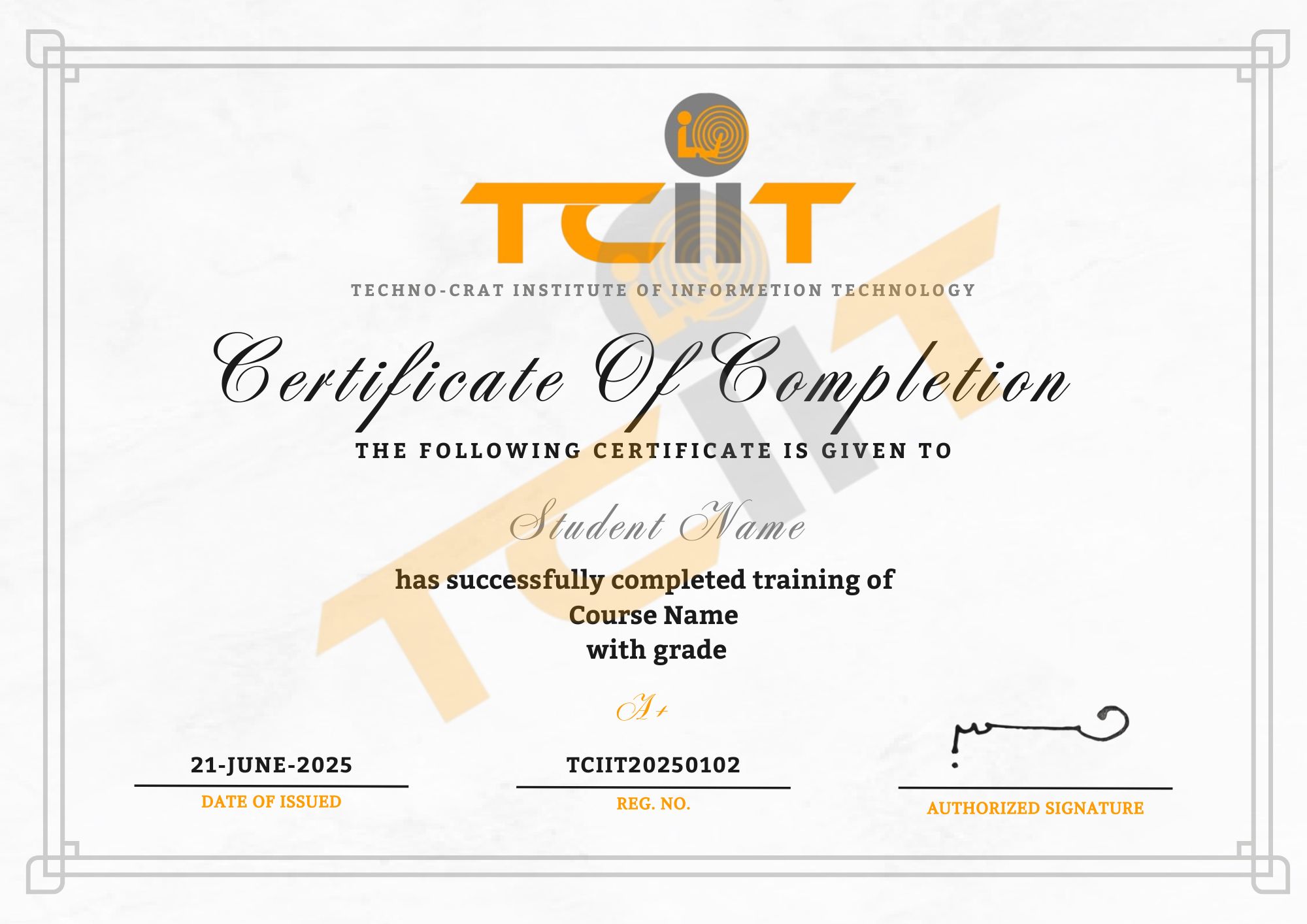
AutoCAD Architecture Course Certification
Earn Your AutoCAD Architecture Certification in Three Steps
- Complete the online or offline AutoCAD Architecture Training Course and all practical exercises.
- Successfully complete industry-based architectural drafting and design projects.
- Pass the AutoCAD Architecture Course Certification Exam to earn your official credential.
The AutoCAD Architecture Course certificate will be issued through our Learning Management System (LMS), where you can easily download it. Add this certification to your CV or LinkedIn profile to showcase your expertise in architectural drafting, building design, and AutoCAD tools.