Basic Computer Course
This course is perfect for beginners who want to learn the basics of using a computer. You will learn how to use a keyboard and mouse, work with Windows, use common programs like Word and Excel, browse the internet, and stay safe online. No prior experience needed!
Basic Computer Course
Our Basic Computer Course is designed for beginners who want to develop essential computer skills for personal, academic, or professional use. This course covers fundamental concepts such as computer basics, operating systems, file management, internet usage, Microsoft Office applications, typing skills, and digital communication tools. Whether you're a student, job seeker, homemaker, or working professional, this course provides hands-on training to build confidence in using a computer effectively in day-to-day tasks.
- Introduction to computers and digital devices
- Hardware, software, and operating system basics
- Windows operating system and navigation
- File and folder management
- Typing practice and keyboard shortcuts
- Introduction to the internet and web browsers
- Email setup and communication
- Microsoft Office applications
- MS Word — Document creation & formatting
- MS Excel — Spreadsheet basics & formulas
- MS PowerPoint — Slides and presentations
- Online safety, cyber awareness, and digital best practices
In today’s digital world, basic computer knowledge is essential for nearly every career field. This course provides a step-by-step learning experience starting from the basics and progressing to essential productivity tools. Learners will gain practical skills in MS Word, MS Excel, MS PowerPoint, email usage, web browsing, online safety, and digital etiquette. By completing this training, you will be equipped with the knowledge needed to perform common computer tasks, create documents, manage files, communicate online, and use digital tools efficiently—helping you prepare for further studies, office work, or professional growth Enroll now to build essential computer skills and boost your confidence in today’s digital world!
What will I learn?
- Strong understanding of computer fundamentals
- Ability to use Windows confidently for daily tasks
- Skills to create documents, spreadsheets, and presentations
- Effective use of the internet, email, and online tools
- A solid foundation for advanced computer and IT courses
Requirements
- No prior computer knowledge required
- Willingness to learn and practice
- Basic reading and writing skills
- Interest in improving digital literacy
Start Your Enrollment
We are variations of passages the have suffered.
Why Choose Us ?
Our Basic Computer Course helps you build strong fundamental skills needed in today’s digital world. We provide easy-to-understand, practical training with real hands-on practice. From typing to essential software usage, you’ll learn everything step by step. With supportive faculty and a friendly learning environment, beginners gain confidence quickly.
Basic Computer Course Placement Opportunities
The Basic Computer Course opens up opportunities in a wide range of entry-level positions across offices, schools, and small businesses. After completion, students can work as Data Entry Operators, Computer Assistants, Office Executives, or Customer Support Staff. The course builds a solid foundation in MS Office, Internet usage, email communication, and typing skills — essential for any modern workplace.
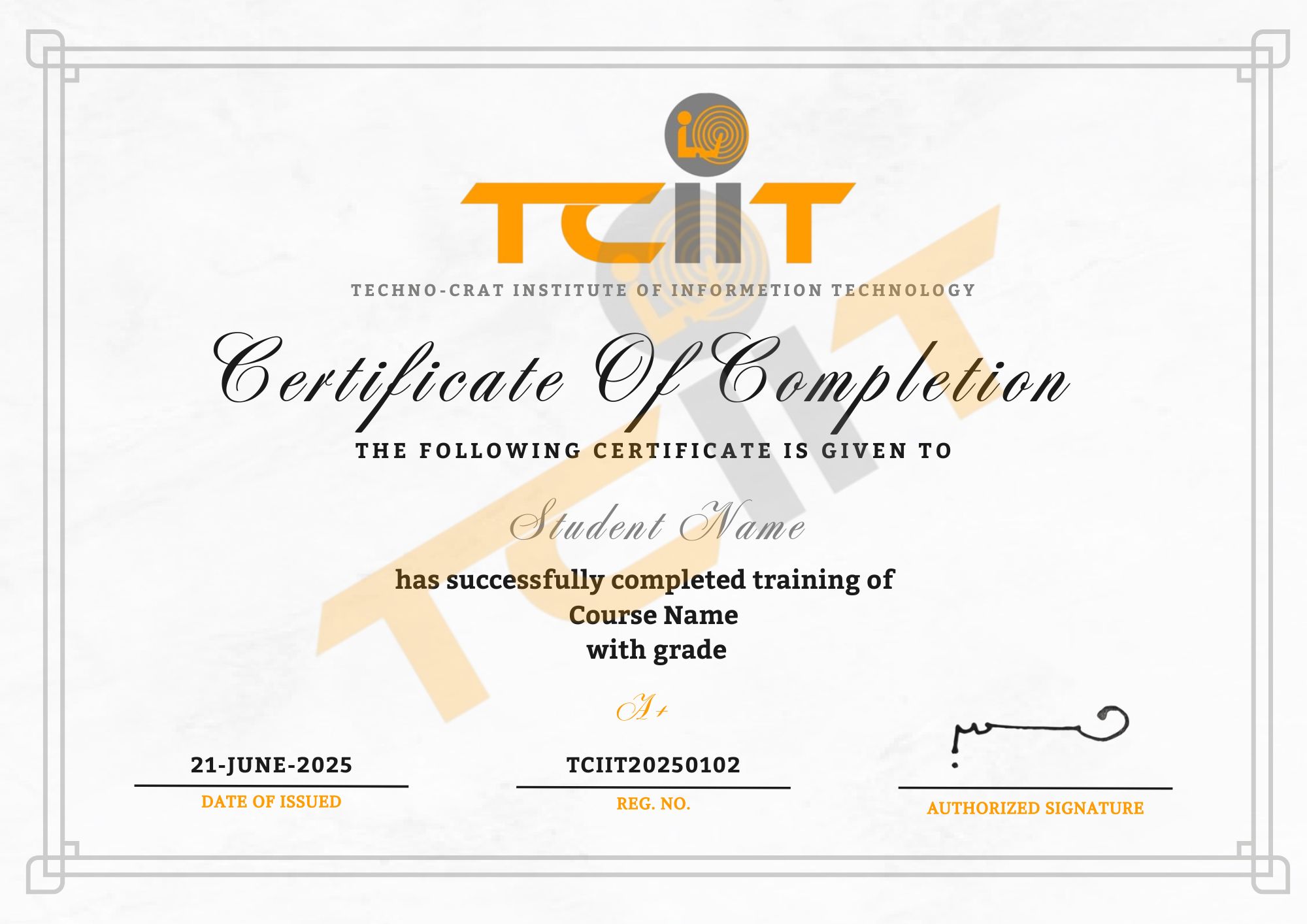
Basic Computer Course Certification
Get Certified and Start Your Professional Journey
- Complete all practical lessons on MS Office, file management, and internet basics.
- Submit final assignments or complete an online practical test.
- Receive your Basic Computer Course Certificate to showcase your digital skills.
Upon successfully completing the Basic Computer Course, you will receive an official certificate through our LMS. This certificate validates your computer literacy and essential IT skills, helping you stand out in the job market and enhance your employability.