UG NX Course

UG NX CAD/CAM is an industry-oriented course that teaches mechanical design and manufacturing using Siemens NX software. It covers 3D modeling, assemblies, drafting, and GD&T standards. Students also learn CAM programming, CNC toolpaths, and machining simulations. The course focuses on practical projects and real industrial applications. It prepares learners for careers in design, manufacturing, and CNC engineering.
thumb

UG NX (Siemens NX) – CAD / CAM Certification Training Course

Our UG NX Course is designed to train learners in advanced 3D product design, manufacturing, and engineering simulation using Siemens NX — one of the world’s most powerful and widely used CAD/CAM/CAE software solutions. UG NX is extensively used in automotive, aerospace, tool design, mold design, manufacturing, and industrial engineering industries. This course provides hands-on training in part modeling, surface design, assemblies, drafting, CAM programming, and simulation with real-world industrial components.

  • Introduction to Siemens NX interface & workflow
  • Sketching fundamentals & geometric constraints
  • 3D solid modeling techniques
  • Advanced part modeling features
  • Assembly modeling & component constraints

Siemens NX is an integrated engineering platform that combines design, analysis, and manufacturing within a single environment. This course helps learners master parametric modeling, advanced surfacing, tooling design, CNC machining, and simulation-driven design workflows. By the end of this course, students will be capable of creating complex mechanical models, developing manufacturing toolpaths, generating engineering drawings, and working confidently on industry-level CAD/CAM projects.

What will I learn?

  • Create complex 3D mechanical components using NX
  • Design high-quality surfaces and solid models
  • Build large assemblies with accurate constraints
  • Generate professional manufacturing drawings

Requirements

  • Basic mechanical engineering knowledge (recommended)
  • Laptop/PC capable of running Siemens NX
  • No prior CAD experience required
  • Interest in product design, manufacturing & engineering

UG-NX cad

Introduction to UG-NX CAD
  • Overview of UG-NX CAD software
  • Understanding the user interface and navigation
  • Introduction to 2D drafting and 3D modeling concepts
Sketching and Constraints
  • Creating and editing 2D sketches
  • Applying sketch constraints and dimensions
  • Understanding sketching best practices
Part Modeling Basics
  • Creating basic 3D features (extrude, revolve, sweep)
  • Understanding feature-based parametric modeling
  • Using the feature manager tree for feature management
Intermediate Part Modeling
  • Exploring advanced modeling techniques (fillets, chamfers, patterns)
  • Working with synchronous and ordered modeling workflows
  • Utilizing advanced features like blends, lofts, and ribs
Advanced Part Modeling
  • Mastering complex modeling tasks with surface modeling
  • Creating sheet metal parts and utilizing specialized features
  • Exploring assembly modeling techniques
Assembly Design
  • Inserting and positioning components within assemblies
  • Applying assembly constraints and relationships
  • Exploring assembly features and manipulation tools
Drawing and Detailing
  • Creating and annotating drawing views
  • Adding dimensions, annotations, and GD&T symbols
  • Generating bill of materials (BOM) and parts lists
Surface Modeling
  • Exploring advanced surface modeling techniques
  • Creating and editing surfaces using loft, sweep, and boundary features
  • Converting solid models to surfaces and vice versa
Sheet Metal Design
  • Understanding sheet metal design principles and terminology
  • Creating sheet metal parts with bends, flanges, and forming tools
  • Unfolding and flattening sheet metal parts
Collaboration and Data Management
  • Working with Product Data Management (PDM) systems
  • Collaborating with team members and stakeholders
  • Managing design revisions and version control
Customization and API Programming
  • Customizing the UG-NX environment and user interface
  • Creating macros and automation scripts using UG-NX API
  • Integrating UG-NX with other CAD/CAM software and systems
Case Studies and Real-World Applications
  • Analyzing real-world design examples and case studies
  • Hands-on exercises and projects to reinforce concepts
  • Presentations and discussions on best practices and industry standards

UG-NX cam

Introduction to UG-NX CAM
  • Overview of Computer-Aided Manufacturing (CAM) and its importance
  • Introduction to UG-NX CAM software
  • Understanding the CAM workspace and user interface
CAM Fundamentals
  • Understanding machining processes and terminology
  • Overview of CAM workflow and process planning
  • Introduction to CAM toolpath generation techniques
Workpiece Setup and Stock Preparation
  • Importing CAD models and defining workpiece setups
  • Creating and managing stock materials and dimensions
  • Understanding stock preparation strategies for different machining operations
2.5 Axis Milling Operations
  • Introduction to 2.5 axis milling operations
  • Creating roughing, finishing, and drilling toolpaths
  • Optimizing toolpath parameters for efficiency and accuracy
3 Axis Milling Operations
  • Overview of 3 axis milling operations
  • Creating complex 3D toolpaths for contoured surfaces
  • Utilizing rest machining and boundary-based toolpath generation
Multi-Axis Milling Operations
  • Understanding multi-axis machining concepts and strategies
  • Creating toolpaths for indexed and continuous 4th and 5th axis machining
  • Optimizing multi-axis toolpaths for surface finish and tool accessibility
Turning Operations
  • Introduction to turning operations in UG-NX CAM
  • Creating roughing, finishing, and grooving toolpaths for lathe parts
  • Understanding toolpath optimization for different turning processes
Mill-Turn and Swiss-Type Machining
  • Overview of mill-turn and Swiss-type machining capabilities
  • Creating synchronized toolpaths for multi-tasking machines
  • Utilizing specialized features for complex mill-turn operations
Hole Making Operations
  • Creating drilling, tapping, and boring operations
  • Understanding hole-making strategies for different hole types and sizes
Advanced CAM Features
  • Exploring advanced CAM features and capabilities in UG-NX
  • Creating custom toolpath templates and machining sequences
  • Implementing specialized machining strategies for complex parts
Simulation and Verification
  • Simulating toolpaths and machining operations using built-in CAM simulation tools
  • Verifying toolpath accuracy and collision detection
  • Optimizing toolpath parameters based on simulation results
Post-Processing and Machine Integration
  • Generating machine-specific G-code and CNC programs
  • Customizing post-processors for different machine configurations
  • Integrating UG-NX CAM with CNC machine tools and controllers
CAM Documentation and Reporting
  • Creating setup sheets, operation lists, and tool lists
  • Generating reports and documentation for CAM processes
  • Understanding best practices for CAM documentation and archiving
Case Studies and Real-World Applications
  • Analyzing real-world CAM examples and case studies
  • Hands-on exercises and projects to reinforce concepts
  • Presentations and discussions on best practices and industry standards

Start Your Enrollment

We are variations of passages the have suffered.

Why Choose Us ?

Our UG NX (Siemens NX) Course is designed for engineering students and professionals who want to master advanced CAD, CAM, and CAE skills used in the manufacturing and design industry. We provide practical, hands-on training on 3D modeling, drafting, assemblies, surface design, sheet metal, and machining operations. The course follows industry-standard workflows with step-by-step teaching methods. With expert trainers, real-time projects, and practical lab sessions, you gain the confidence to design, analyze, and manufacture high-precision components using Siemens NX software.

Diverse Career Opportunities in UG NX: Exploring Advanced CAD/CAM/CAE Roles in India’s Manufacturing & Engineering Industry

In India, expertise in UG NX (Siemens NX) opens doors to high-end career opportunities across automotive, aerospace, tool & die, heavy engineering, industrial equipment, and advanced manufacturing sectors. Leading organizations such as Siemens, Tata Motors, Mahindra & Mahindra, BMW, Mercedes-Benz, Boeing, Airbus, L&T Technology Services, Bosch, Hyundai, and global engineering design companies actively hire UG NX professionals for precision product design and manufacturing solutions. UG NX specialists are highly valued for their ability to perform complex 3D modeling, advanced surfacing, assembly design, sheet metal, mold design, CAM programming, and CAE analysis within a single integrated platform. Their expertise supports the complete digital manufacturing lifecycle—from concept design and simulation to CNC machining and production optimization. Salary packages vary based on domain expertise and project experience. In India, the average annual salary for a UG NX Design Engineer ranges from 600,000 to 1,200,000 INR, while in the USA it typically ranges between $80,000 to $110,000 per year, highlighting strong global demand and excellent career growth in advanced CAD/CAM/CAE engineering fields.

Get UG NX (Siemens NX) Certification

Three easy steps will unlock your UG NX Certification

  • Complete the online/offline UG NX (Siemens NX) Course along with all required assignments.
  • Successfully complete multiple industry-based CAD, CAM, and product design projects.
  • Pass the UG NX Certification Exam to earn your verified, industry-recognized certificate.

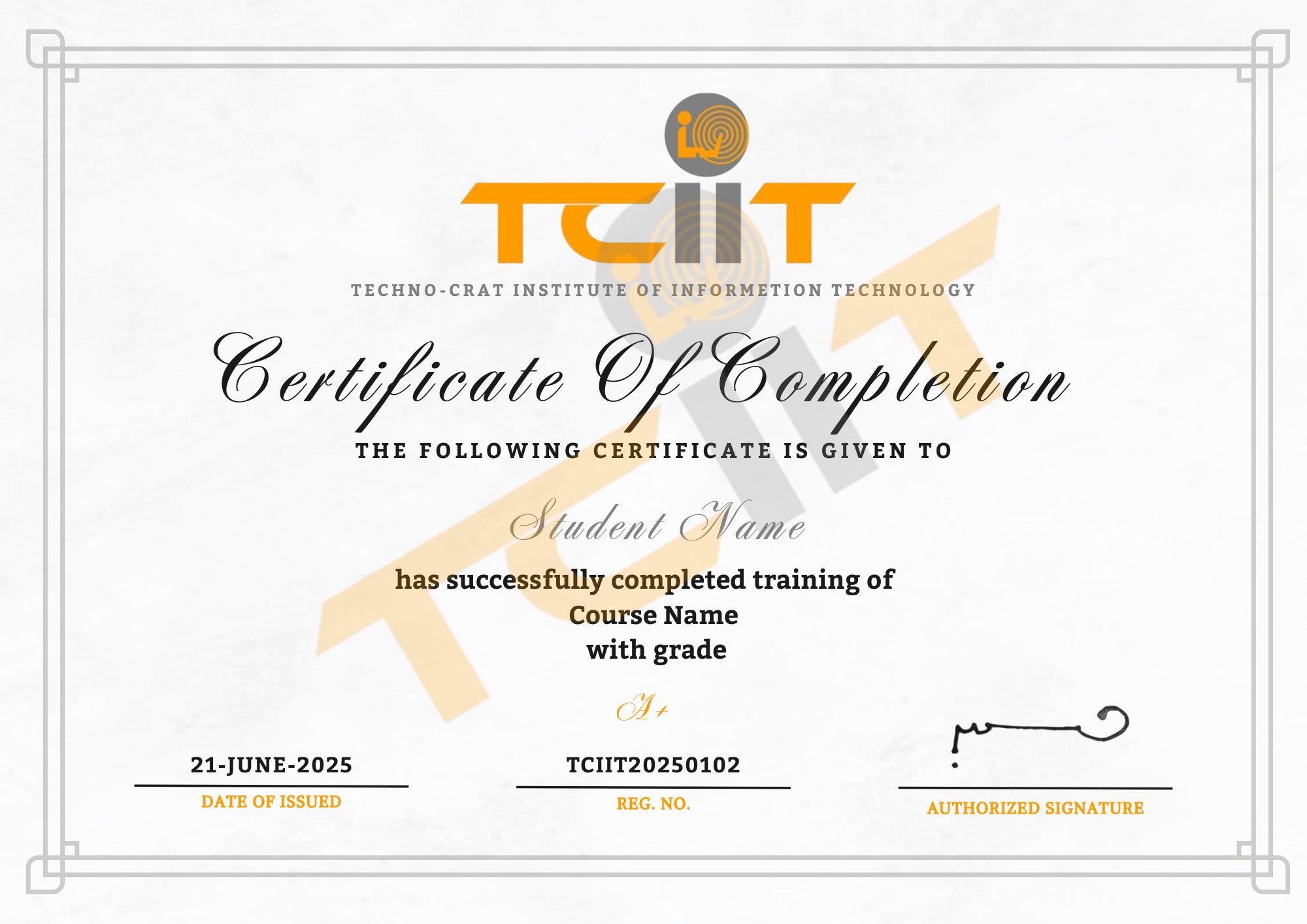
The certificate for this UG NX (Siemens NX) course will be provided through our learning management system (LMS). You can download it anytime and add the certificate link to your CV, resume, or LinkedIn profile to showcase your CAD, CAM, and product design skills.

thumb
whatsapp