Graphic Design Course
Learn the art of visual communication with our Graphic Designing course. This program covers design principles, typography, color theory, branding, and digital illustration. You’ll gain hands-on experience with industry tools like Adobe Photoshop, Illustrator, creating real-world projects such as logos, posters, social media creatives, and marketing materials. Perfect for beginners and aspiring designers who want to build creative skills and a professional portfolio.
Graphic Design Course
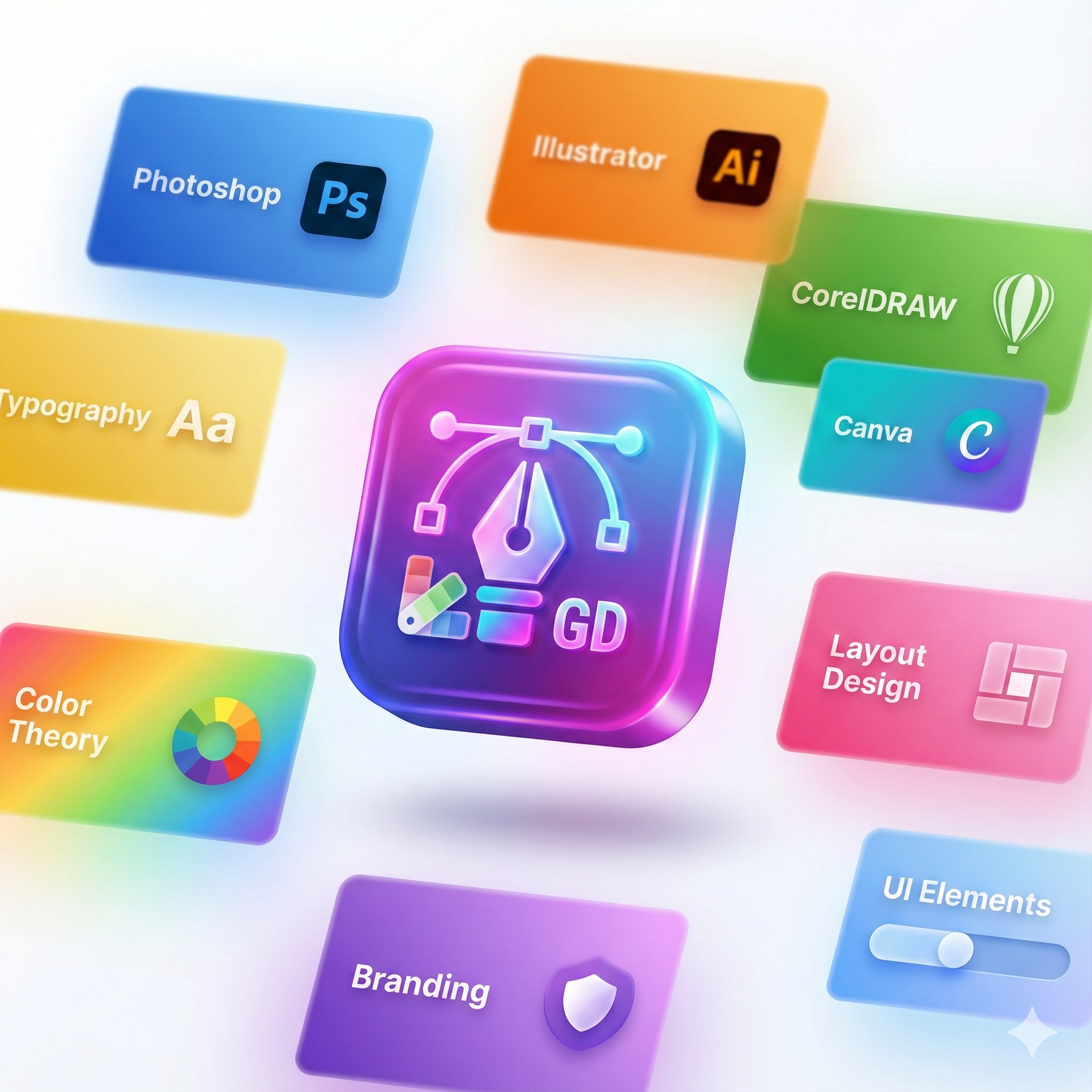
Our Graphic Design Course is designed to help learners build strong creative and technical skills required in the design and digital media industry. This practical training covers design principles, typography, color theory, branding, layout design, UI design basics, and real-time creative projects using industry-standard tools such as Adobe Photoshop, Illustrator And Canva. Whether you're a student, freelancer, marketing professional, content creator, or someone planning a creative career, this course equips you with hands-on experience through assignments, portfolio development, and real-world design tasks like logos, posters, banners, business cards, social media designs, and advertisements.
- Introduction to graphic design and design workflow
- Design principles: balance, contrast, alignment, spacing, repetition
- Color theory, branding, typography & visual hierarchy
- Adobe Photoshop: photo editing, retouching & digital artwork
- Adobe Illustrator: vector design, logo design & illustrations
- Canva for social media and marketing creatives
- Print media: banners, brochures, business cards, packaging
- Digital media: social posts, thumbnails, ads, posters
- Branding concepts: logos, style guides & identity systems
- UI design fundamentals: layout, components & design grids
- Exporting designs for print, web & professional use
- Portfolio building, client work, and design presentation techniques
Graphic design plays a crucial role in visual communication, branding, advertising, digital marketing, and user experience. With growing demand across industries, mastering graphic design tools and creative fundamentals opens career opportunities in agencies, media houses, businesses, and freelance markets worldwide. This course provides a strong foundation in visual communication, conceptual thinking, and digital creativity. By applying design concepts and software workflows, learners gain the confidence to create professional-quality graphics, brand identities, print-ready artworks, and digital content suitable for social media, web, and marketing campaigns Enroll now and start your creative journey to become a professional graphic designer with industry-ready skills and a complete design portfolio!
What will I learn?
- Ability to design professional logos, marketing materials, and brand identities
- Skills to create social media graphics, posters, ads, and print media
- Understanding of color, typography, layout, branding, and composition
- A polished career-ready design portfolio for freelance or professional roles
Requirements
- Basic computer knowledge
- No previous design experience required
- Creativity, imagination, and willingness to practice
- Computer/Laptop with required graphic design software (recommended)
Start Your Enrollment
We are variations of passages the have suffered.
Why Choose Us ?
Choose us for expert-led Graphic Design training focused on real-world creativity and industry projects. Our course covers Adobe Photoshop, Illustrator, InDesign, and modern design principles with hands-on practice. You’ll learn branding, layouts, typography, and visual communication through practical assignments. With personalized guidance, updated tools, and portfolio-building support, we help you become a confident and job-ready graphic designer.
Career Opportunities After Graphic Design Course
The Graphic Design Course equips learners with the creative and technical skills required for roles in digital and print media. After completing this course, learners can pursue positions such as Graphic Designer, UI/UX Designer, Visual Designer, Multimedia Artist, or Creative Content Designer. The course covers essential design tools, typography, branding, and visual storytelling, making you job-ready for advertising agencies, IT companies, startups, and freelance opportunities.
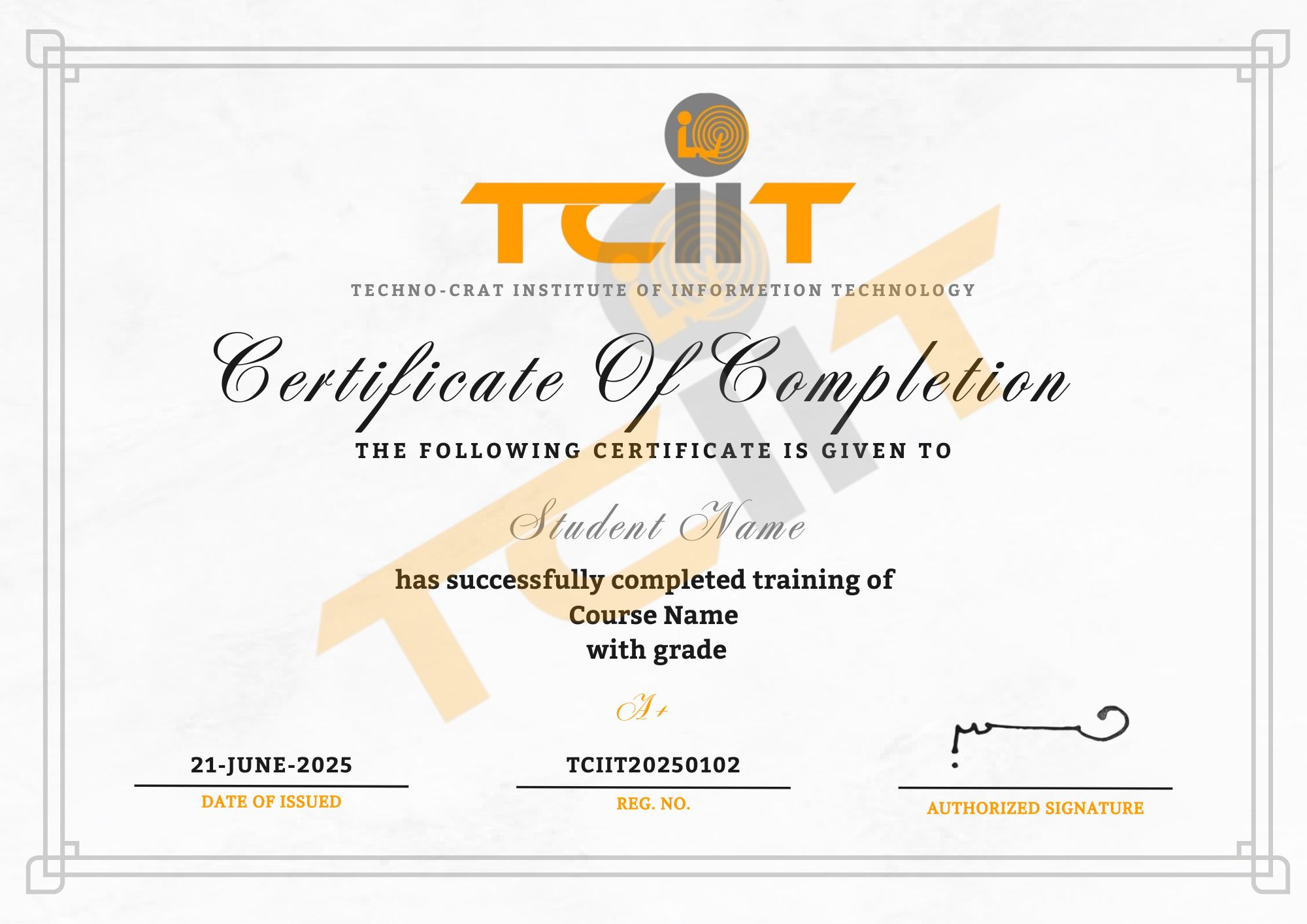
Graphic Design Course Certification
Get Certified and Launch Your Career in Graphic Design
- Submit practical design projects such as logos, posters, and digital graphics.
- Pass the Graphic Design Certification Exam to receive your official credential.
- Complete all modules including Photoshop, Illustrator, and Canva.
Upon successful completion of the Graphic Design Course, you’ll receive a professional certificate through our Learning Management System (LMS). This certification validates your expertise in graphic design software, creative design principles, and visual communication — helping you stand out in the competitive design industry.