Advance Excel Course
This course is for those who already know the basics of Excel and want to learn more. You will learn advanced formulas, functions, charts, pivot tables, data analysis, and automation using macros. Perfect for professionals and students who work with data.

Advanced Excel Course
Our Advanced Excel Course is designed to help learners enhance their skills in Microsoft Excel and master powerful features used in data analysis, reporting, and business intelligence. This course covers advanced formulas, functions, data validation, conditional formatting, pivot tables, charts, automation tools, and reporting techniques used in modern workplaces. Whether you're a student, accountant, data analyst, HR professional, business executive, or someone looking to boost productivity, this training provides hands-on practice with real business scenarios, assignments, and interactive exercises.
- Excel interface and productivity shortcuts
- Advanced formulas & functions:
- IF, AND, OR, nested formulas
- Lookup functions (VLOOKUP, HLOOKUP, XLOOKUP, INDEX-MATCH)
- Text, date, and logical functions
- Data validation and conditional formatting
- Working with tables and dynamic data ranges
- Advanced charting and visual representation
- PivotTables and PivotCharts
- Data cleaning and transformation using Power Query
- Reporting automation and dashboard development
- Introduction to Macros and VBA basics
Microsoft Excel is one of the most essential tools for data management and professional reporting across industries. Mastering advanced Excel skills helps improve efficiency, accuracy, and productivity in business decision-making. This course helps learners transform raw data into meaningful insights using advanced functions like VLOOKUP, XLOOKUP, INDEX-MATCH, IF-Statements, logical functions, financial functions, PivotTables, PivotCharts, Power Query, and Macros. With practical learning and real-world datasets, you’ll gain confidence to manage data professionally and prepare for roles in analytics and administration Enroll now and become an Excel expert with skills used in business analytics, corporate reporting, and data-driven decision-making!
What will I learn?
- Ability to use Excel as a powerful data analysis tool
- Skills to automate tasks and generate dynamic business reports
- Practical experience with PivotTables, dashboards, and advanced functions
- Improved efficiency with Excel shortcuts and problem-solving methods
- Career-ready skills for finance, HR, marketing, accounts, and data analytics roles
Requirements
- Basic knowledge of Microsoft Excel (recommended)
- No technical or programming experience required
- Willingness to practice with real datasets and exercises
- Interest in improving productivity and analytical skills
Start Your Enrollment
We are variations of passages the have suffered.
Why Choose Us ?
Our Advance Excel Course is designed to give you strong, industry-level skills in data handling and reporting. You’ll learn advanced formulas, dashboards, automation, and real-world applications used in top companies. We focus on practical training with hands-on projects to build confidence. Expert faculty and personalized guidance ensure you master Excel for professional growth.
Career Opportunities After Advanced Excel Course
The Advanced Excel Course opens up excellent career opportunities in data-driven industries. Professionals skilled in Excel are highly sought after for roles such as Data Analyst, MIS Executive, Financial Analyst, Office Administrator, and Project Coordinator. With expertise in formulas, pivot tables, dashboards, and data visualization, learners can efficiently manage business data and support decision-making in corporate environments.
Advanced Excel Course Certification
Earn Your Excel Certification and Boost Your Career
- Complete all modules including formulas, pivot tables, charts, and macros.
- Submit your project or pass the final Excel skill assessment.
- Receive your Advanced Excel Certificate and showcase your data expertise.
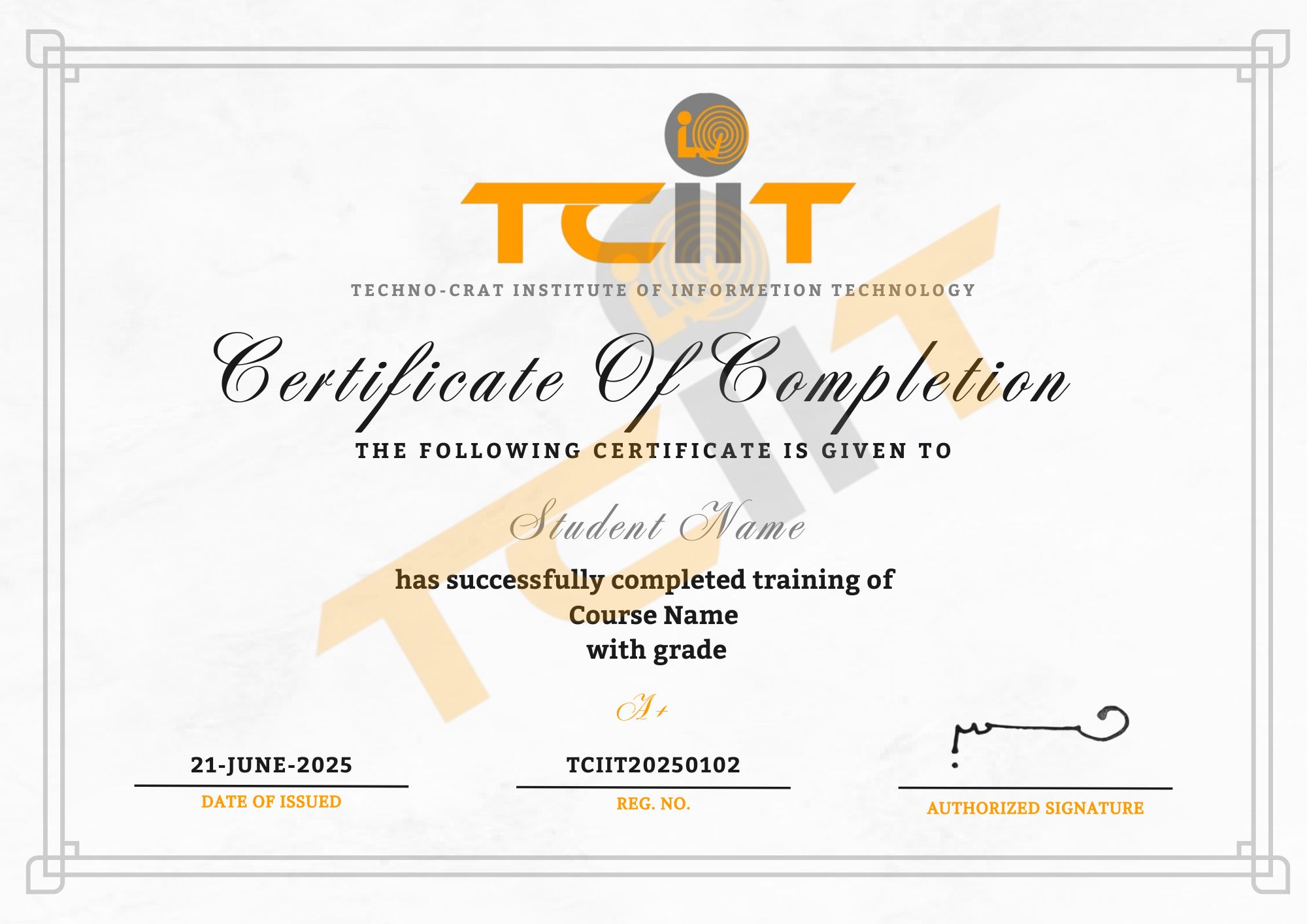
Upon successful completion of the Advanced Excel Course, you’ll receive a professional certificate through our Learning Management System (LMS). This certification validates your ability to analyze data, create reports, and automate tasks using Excel’s advanced tools — enhancing your value in any data-driven role.