Data Analytics Course
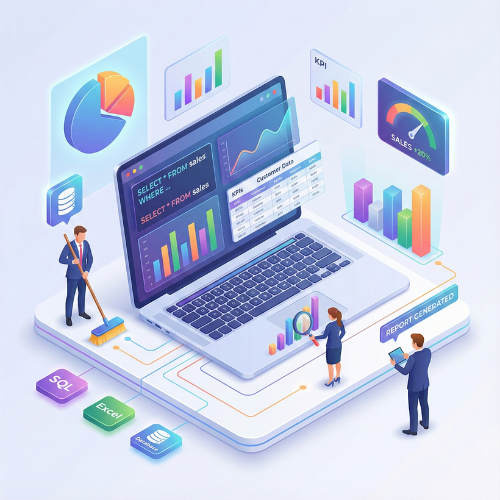
Our Data Analytics Course is designed to build strong analytical and decision-making skills using real-world data. You’ll learn the fundamentals of data cleaning, data visualization, Excel analytics, SQL queries, business statistics, and dashboard creation using modern BI tools. The course focuses on practical, industry-oriented techniques to analyze trends, measure performance, and generate meaningful insights. Through hands-on projects and case studies, you’ll gain the confidence to work with business data and deliver clear, actionable reports that support strategic decisions across any industry.
Data Analytics Certification Training Course
Our Data Analytics Course is designed to help learners master the essential skills required to collect, clean, analyze, visualize, and interpret data for business decision-making. This course covers Excel, SQL, Python, and Business Intelligence tools and focuses on practical, hands-on learning with real datasets. Whether you're a student, working professional, business analyst, or aspiring data scientist, this course equips you with the knowledge and tools to transform raw data into actionable insights and create reports and dashboards for decision-making.
- Introduction to Data Analytics & business use cases
- Data handling using Microsoft Excel: formulas, pivot tables, conditional formatting
- Data cleaning, filtering, and transformation
- Introduction to Python for data analytics: Pandas, NumPy, Matplotlib, Seaborn
- SQL for data querying: joins, subqueries, aggregations, and reporting
- Statistical analysis: mean, median, standard deviation, correlation, hypothesis testing
Data Analytics is a highly sought-after skill across industries such as finance, healthcare, marketing, HR, operations, and retail. This course teaches learners to work with structured and unstructured data, perform statistical analysis, generate visual insights, and present findings effectively Enroll today and become a certified Data Analytics Professional, mastering data interpretation, visualization, and business reporting skills! You will gain expertise in Excel for data handling, Python for analytics, SQL for querying databases, and Power BI/Tableau for dashboard creation. Real-world projects and case studies will give you hands-on experience in solving practical business problems and preparing for analytics roles.
What will I learn?
- Ability to collect, clean, analyze, and visualize data effectively
- Hands-on experience with Excel, Python, SQL, Power BI, and Tableau
- Skills to create interactive dashboards and reports
- Knowledge to solve business problems using analytics
- Practical experience with predictive analytics and trend analysis
Requirements
- Basic knowledge of computers & Microsoft Excel
- Laptop/PC capable of running Excel, Python, SQL & BI tools
- No prior programming experience required
- Interest in data, analytics, and business intelligence
Start Your Enrollment
We are variations of passages the have suffered.
Why Choose Us ?
Our Data Analytics Course is designed to help you build strong analytical and problem-solving skills through 100% practical learning. At TCIIT, we focus on real industry scenarios so you learn how to collect, prepare, analyze, visualize, and interpret data to make smart business decisions. You’ll work with the most in-demand tools such as Excel, SQL, Power BI, Tableau, and Python, gaining hands-on experience with real datasets and case studies. Each module is structured to build your confidence step-by-step—from basic analytics to advanced business intelligence techniques. Our expert faculty guides you through end-to-end data workflows, ensuring you understand not just how to analyze data, but how to present meaningful insights that companies rely on. Choose us for practical learning, personalized support, industry-based assignments, and a clear pathway to careers in data analysis, business intelligence, and reporting.
Diverse Career Opportunities in Data Analytics: Exploring In-Demand Roles in India’s Data-Driven Economy
In India, proficiency in Data Analytics opens doors to a wide array of career opportunities across sectors such as IT, finance, healthcare, e-commerce, telecom, and consulting. Leading organizations like Google, Amazon, Microsoft, IBM, Deloitte, and Accenture actively seek Data Analytics professionals to transform raw data into actionable insights, support strategic decision-making, and drive business growth. Data Analytics specialists are highly valued for their ability to collect, clean, analyze, and visualize data, as well as for their skills in reporting, statistical modeling, and business intelligence. Their work enables organizations to optimize operations, identify trends, forecast outcomes, and improve overall performance. Salary packages vary depending on skills and experience. In India, the average annual salary for a Data Analyst ranges from 600,000 to 950,000 INR, while in the USA it is approximately $85,000 per year, reflecting strong global demand and promising earning potential in this field.
Get Data Analytics Certification
Three easy steps will unlock your Data Analytics Certification
- Complete the online/offline Data Analytics Course along with all required assignments.
- Work on and successfully complete multiple industry-based data analytics projects, including Excel automation, SQL queries, Python analytics, and data visualization dashboards.
- Pass the Data Analytics Certification Exam to earn your verified, industry-recognized certificate.
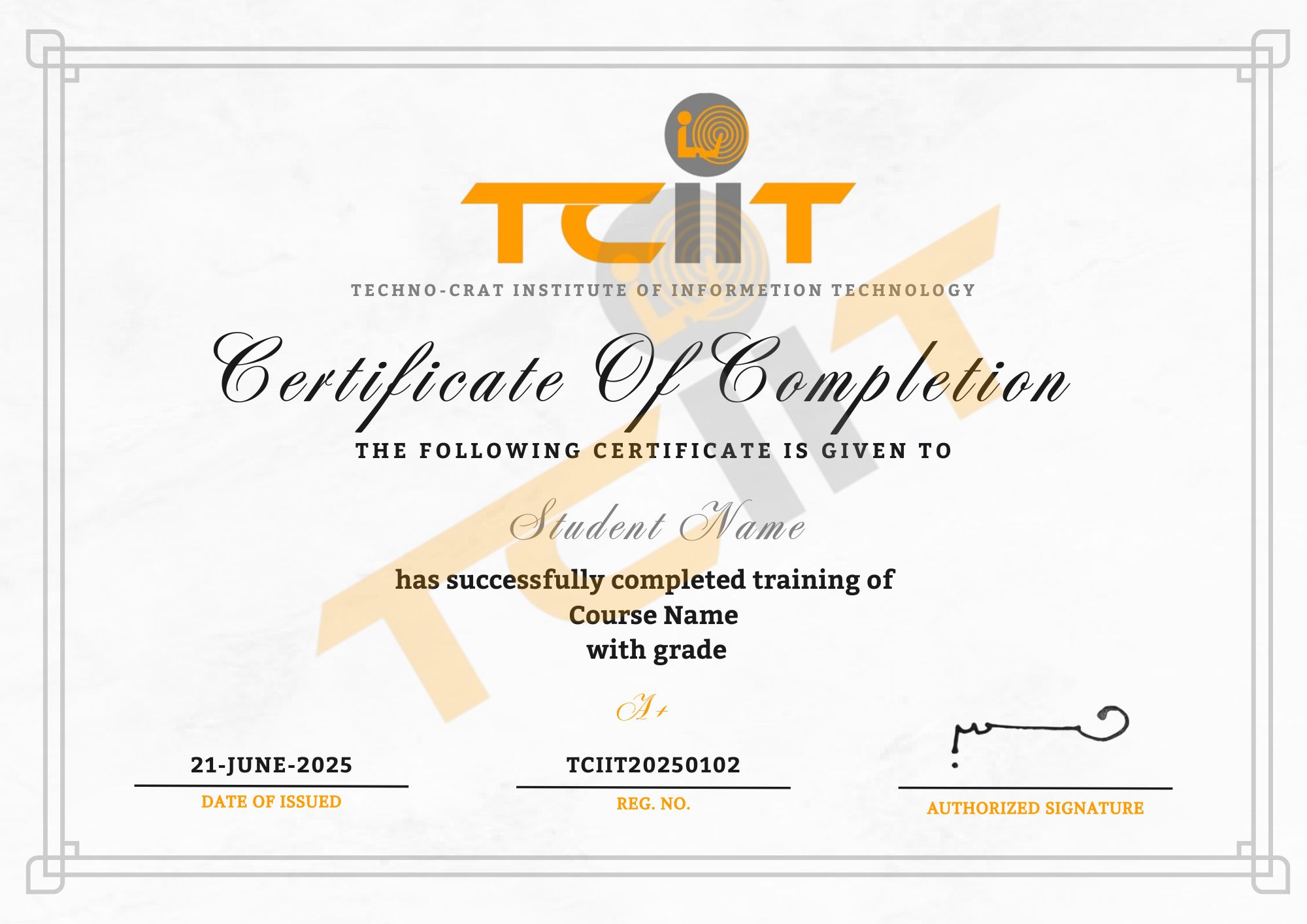
The certificate for this Data Analytics course will be delivered through our learning management system (LMS). You can download it anytime and add the certificate link to your CV, resume, or LinkedIn profile to highlight your data analysis and business intelligence skills.