RHCSA-Red Hat Certified System Administrator Training
RHCSA (Red Hat Certified System Administrator) The RHCSA course is designed for beginners and IT professionals who want to gain hands-on skills in Linux system administration. It covers the essential tasks required to manage Red Hat Enterprise Linux (RHEL) systems
RHCSA – Red Hat Certified System Administrator Training
Our RHCSA Training Program is designed to equip learners with the essential skills required to manage, operate, and support Red Hat Enterprise Linux environments. This course covers foundational Linux administration tasks such as user management, permissions, storage configuration, system monitoring, and process management. Through hands-on labs and real-world practice, learners gain the confidence needed to perform system administration effectively in enterprise environments. Whether you're entering the world of Linux or aiming to validate your skills with a globally recognized certification, our RHCSA course provides a structured learning path that builds strong command-line expertise and practical problem-solving abilities.
- Linux installation and system access
- File system hierarchy and permissions
- User and group administration
- Managing software and packages
- Storage configuration and logical volumes
- Process and service management
- Configuring networking and firewalls
- System monitoring and troubleshooting
The Red Hat Certified System Administrator (RHCSA) certification is one of the most respected Linux certifications in the IT industry. It validates your ability to perform core system administration tasks using Red Hat Enterprise Linux, including configuring local storage, managing users and groups, securing files, and controlling services. This course is designed in alignment with the latest exam objectives, offering hands-on training, practical exercises, and scenario-based tasks that mirror real exam environments. By mastering these skills, you build a strong foundation for advanced certifications like Red Hat Certified Engineer (RHCE) and high-level Linux administration roles. Enroll today and become a certified Red Hat System Administrator — step into high-demand Linux career opportunities!
What will I learn?
- Perform essential Linux system administration tasks
- Configure, manage, and troubleshoot Red Hat Enterprise Linux systems
- Use command-line tools effectively for automation and control
- Manage storage, networking, users, services, and security
- Prepare confidently for the RHCSA certification exam
Requirements
- Basic computer knowledge
- No prior Linux experience required (helpful but optional)
- Willingness to practice commands and hands-on labs
- Interest in Linux system administration and IT operations
Start Your Enrollment
We are variations of passages the have suffered.
Why Choose Us ?
Our RHCSA – Red Hat Certified System Administrator Training is designed to develop strong Linux administration skills for students, IT beginners, and professionals aiming for a career in system administration and DevOps. We provide practical, hands-on training on Linux commands, user & group management, file permissions, storage configuration, services management, firewall settings, and system security. The course follows the official Red Hat RHCSA syllabus with clear, step-by-step teaching. With real-time lab practice, industry-expert trainers, and scenario-based learning, you gain the confidence to manage, secure, and troubleshoot Linux-based enterprise systems effectively.
Career Opportunities After RHCSA – Red Hat Certified System Administrator Training
The RHCSA Training prepares learners for system administration roles in Linux environments. After completing this course, learners can pursue positions such as Linux System Administrator, Systems Engineer, DevOps Engineer, IT Support Specialist, or Cloud Administrator. The course equips you with hands-on skills in Linux installation, configuration, user management, file systems, networking, and security — making you job-ready for enterprise-level IT environments.
RHCSA – Red Hat Certified System Administrator Certification
Earn Your RHCSA Certification in Three Steps
- Complete the online or offline RHCSA Training and hands-on lab exercises.
- Successfully complete practical projects on Linux system administration.
- Pass the RHCSA Certification Exam to earn your official Red Hat credential.
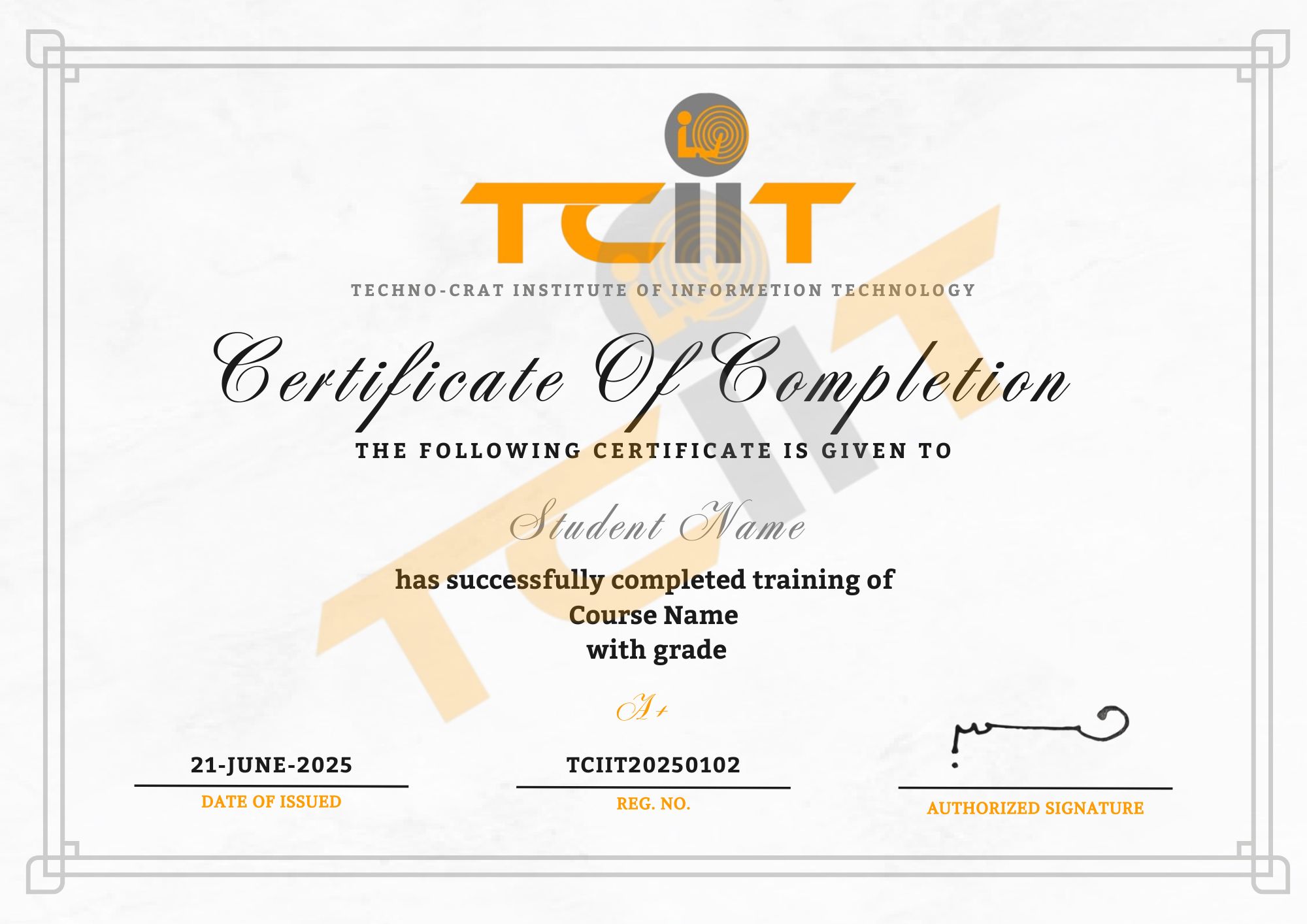
Upon successful completion of the RHCSA Training, you will receive an official Red Hat certification through our Learning Management System (LMS). This certificate validates your Linux system administration skills and enhances your career prospects in IT operations, DevOps, and cloud infrastructure management.