Full Stack Analytics Course
Our Full Stack Analytics Course is designed to equip you with complete end-to-end analytics skills — from data collection to insight generation and dashboard deployment. You’ll learn data extraction, cleaning, preprocessing, SQL querying, Python-based analytics, statistical analysis, and advanced visualization techniques. The course also covers business intelligence tools like Power BI/Tableau, automation workflows, and report publishing. Through real-world projects and case studies, you’ll gain practical experience in building full analytics pipelines that help organizations make data-driven decisions with accuracy and speed.
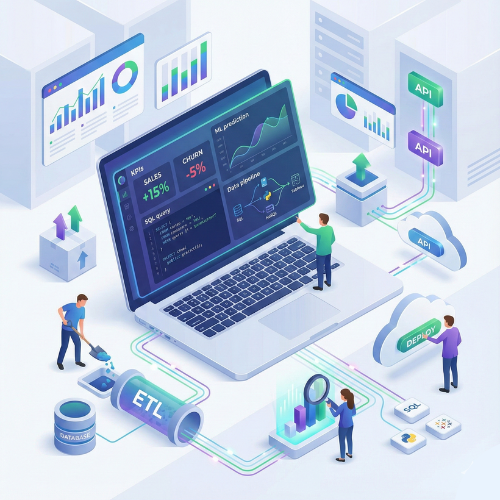
Full Stack Analytics Certification Training Course
Our Full Stack Analytics Course is designed to make learners industry-ready in end-to-end business analytics. This program covers data collection, cleaning, analysis, visualization, business intelligence, and reporting using tools like Excel, SQL, Python, Power BI, and Tableau. You’ll gain hands-on experience working with real-world datasets and performing complete analytics workflows. Whether you're a student, working professional, business analyst, or aspiring data scientist, this course provides practical training to help you extract actionable insights, automate reporting, and drive business decisions.
- Introduction to Business Analytics & Data Science
- Advanced Microsoft Excel: formulas, pivot tables, data validation, dashboards
- Data analysis using Python: Pandas, NumPy, Matplotlib, Seaborn
- SQL for data querying: joins, subqueries, aggregations, and reporting
- Data cleaning, transformation, and preprocessing
- Statistical analysis: mean, median, variance, correlation, hypothesis testing
Full Stack Analytics combines multiple skills into a single career-ready profile. This course equips learners to handle data extraction, transformation, analysis, visualization, and dashboard reporting. You will learn to work with advanced Excel functions, SQL queries, Python analytics, and BI dashboards to solve real business problems. By the end of this course, you’ll be able to deliver data-driven solutions, build dashboards, perform statistical analyses, and communicate insights effectively. The course also includes hands-on projects such as sales forecasting, customer segmentation, HR analytics, financial analysis, and marketing performance tracking Enroll now and become a Full Stack Analytics Professional, mastering data analysis, visualization, and business intelligence skills!
What will I learn?
- Ability to analyze, visualize, and interpret complex business data
- Hands-on experience with Excel, Python, SQL, Tableau & Power BI
- Skills to automate reporting and build interactive dashboards
- Knowledge to apply analytics in HR, Finance, Marketing & Operations
- Ability to perform predictive analytics & forecasting
Requirements
- Basic knowledge of computers & Microsoft Excel
- Laptop/PC capable of running Excel, Python, SQL & BI tools
- No prior programming experience required
- Interest in analytics, business intelligence, and data-driven decision making
Start Your Enrollment
We are variations of passages the have suffered.
Why Choose Us ?
Our Full Stack Analytics Course is designed to transform you into a job-ready analytics professional with complete end-to-end skills. From data collection and cleaning to advanced analytics, visualization, and business insights, we train you on every layer of the analytics workflow. At TCIIT, we follow a practical, industry-oriented approach, ensuring that you learn by doing—not just by reading. With real datasets, hands-on projects, and expert mentorship, you gain the confidence to solve real business problems using data. We focus on tools and technologies used in modern companies, including Excel, SQL, Power BI, Python, Tableau, and cloud-based analytics platforms. You’ll also learn how to automate reports, build dashboards, model data, and present insights like a professional analyst. Choose us to build a rock-solid analytics career with practical training, experienced faculty, and structured learning that prepares you for high-growth roles in data and business analytics.
Diverse Career Opportunities in Full Stack Analytics: Exploring High-Growth Roles in India’s Data-Driven Industries
In India, expertise in Full Stack Analytics unlocks a wide range of career opportunities across sectors such as IT, finance, healthcare, e-commerce, consulting, and manufacturing. Organizations like Google, Amazon, Microsoft, IBM, Deloitte, and Accenture actively hire Full Stack Analytics professionals to analyze complex datasets, build dashboards, automate reporting, and generate actionable business insights. Full Stack Analytics specialists are highly valued for their ability to manage end-to-end analytics workflows—from data extraction and transformation to visualization, statistical modeling, and decision-support systems. Their skills enable businesses to make data-driven decisions, optimize operations, and uncover growth opportunities. Salary packages vary based on experience and skill set. In India, the average annual salary for a Full Stack Analytics professional ranges from 750,000 to 1,200,000 INR, while in the USA it is approximately $115,000 per year, highlighting strong global demand and excellent earning potential in this field.
Get Full Stack Analytics Certification
Three easy steps will unlock your Full Stack Analytics Certification
- Complete the online/offline Full Stack Analytics Course along with all required assignments.
- Work on and successfully complete multiple industry-based analytics projects, including Excel automation, SQL queries, Python analytics, and dashboard creation using Power BI/Tableau.
- Pass the Full Stack Analytics Certification Exam to earn your verified, industry-recognized certificate.
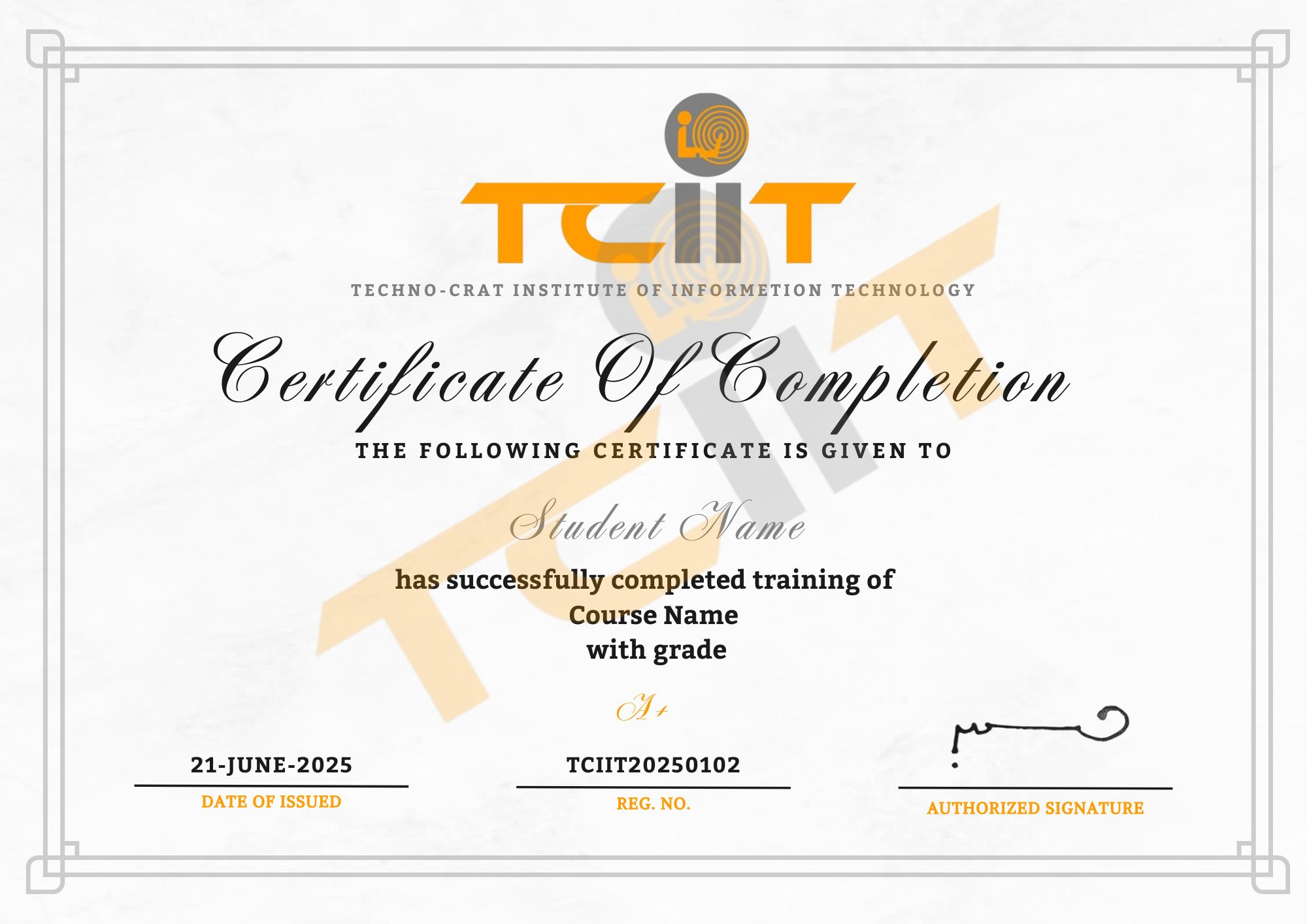
The certificate for this Full Stack Analytics course will be delivered through our learning management system (LMS). You can download it anytime and add the certificate link to your CV, resume, or LinkedIn profile to showcase your analytics and data-driven decision-making skills.