CompTIA A+ Course

This course prepares you for the CompTIA A+ certification, ideal for starting a career in IT. You will learn about computer hardware, software, networking, troubleshooting, operating systems, and security basics. Great for beginners aiming for IT support or technician roles.
thumb

CompTIA A+ Certification Course

Start your career in IT with the globally recognized CompTIA A+ certification. This course provides a strong foundation in computer hardware, networking basics, operating systems, system troubleshooting, and essential IT support skills. You’ll learn how computers work inside and out, how to install and configure systems, how to diagnose technical issues, and how to support users in real IT environments. This course prepares you for the CompTIA A+ certification exams, helping you enter the IT support field with confidence.

  • Hardware: Components, motherboards, processors, memory, storage, peripherals
  • Operating Systems: Windows, Linux basics, installation, configuration, updates
  • Networking: Concepts, TCP/IP, Wi-Fi, routers, cables, troubleshooting
  • Security: Threats, user policies, securing devices, best practices
  • Mobile Devices: Configuration, synchronization, basic repairs
  • Troubleshooting: Diagnostic steps, issues analysis, tools, solutions
  • Customer Service: Communication, documentation, user support
  • Exam Preparation: Practice questions, mock tests, certification guidance

This hands-on training program focuses on real-world technical skills needed by IT professionals. From assembling computers and upgrading components to installing operating systems, configuring networks, and securing devices, you’ll gain practical knowledge used in support and helpdesk roles. The course includes troubleshooting labs, practical scenarios, and industry-standard best practices. By the end, you’ll be ready to handle professional IT support challenges and pursue CompTIA A+ certification for better job and career opportunities.

What will I learn?

  • Understand computer hardware, components, and system architecture
  • Install and configure Windows and basic Linux environments
  • Set up and troubleshoot wired and wireless networks
  • Maintain system security and protect devices from threats
  • Provide technical support in helpdesk and IT environments
  • Prepare for the official CompTIA A+ Certification exam

Requirements

  • Basic computer knowledge
  • No prior technical experience required
  • Interest in IT, hardware, or technical support roles

CompTIA A+ Course Content

CompTIA A+

Introduction to IT Fundamentals
  • IT Fundamentals provides the basic understanding of how computers work and how technology supports businesses. It covers:
  • Basic computer components
  • Software vs hardware
  • IT careers and certifications
  • Data and file management
  • Troubleshooting methodology
PC Hardware
  • Motherboard – Main circuit board connecting all components.
  • CPU (Central Processing Unit) – Brain of the computer.
  • RAM (Random Access Memory) – Temporary storage for running programs.
  • Power Supply Unit (PSU) – Converts electricity to usable power.
  • Storage Devices – HDD, SSD, NVMe.
  • Expansion Cards – Graphics, sound, and network cards.
  • Cooling Systems – Fans, heatsinks, liquid cooling.
Networking
  • Types of networks – LAN, WAN, MAN, PAN.
  • Network devices – Router, switch, modem, access point.
  • IP Addressing – IPv4, IPv6.
  • DNS, DHCP, and Subnetting
  • Wi-Fi standards (802.11a/b/g/n/ac/ax)
  • Network cables – Ethernet (Cat5e, Cat6), fiber optic.
Mobile Devices
  • Smartphones, tablets, and laptops
  • Mobile OS – Android, iOS.
  • Wireless technologies – Bluetooth, NFC, Wi-Fi.
  • Mobile synchronization – Cloud sync, USB sync.
  • Security features – Biometrics, remote wipe.
Operating Systems
  • Popular OS – Windows, Linux, macOS.
  • File systems – NTFS, FAT32, ext4.
  • User interfaces – GUI vs CLI.
  • OS installation and upgrades
  • Task management and services
  • User accounts and permissions
Security
  • Threat types – Malware, phishing, ransomware.
  • Authentication – Passwords, multi-factor authentication.
  • Encryption – Data protection.
  • Firewall and antivirus
  • Security best practices – Updates, backups, awareness.
Software Troubleshooting
  • Slow performance
  • App crashes
  • OS boot failures
  • Update and patch issues
  • Event Viewer and logs
  • Safe Mode, System Restore
Operational Procedures
  • Documentation and change management
  • Safety and ESD prevention
  • Licensing and compliance
  • Backup and recovery
  • Communication and professionalism
Hardware and Network Troubleshooting
  • POST errors, beeps
  • No display/output
  • Peripheral issues
  • Network not connecting
  • Slow or intermittent connection
  • Using diagnostic tools – Multimeter, loopback plug.
Virtualization and Cloud Computing
  • Virtual Machines (VMs) – Running multiple OSes on one machine.
  • Hypervisors – Type 1 (bare-metal) and Type 2 (hosted).
  • Cloud services – SaaS, PaaS, IaaS.
  • Cloud deployment models – Public, Private, Hybrid.
Check Physical Connections
  • Basic first troubleshooting step:
  • Power cables plugged in
  • Peripheral and network cables secure
  • Display and keyboard connections
  • Inspect for damage or loose parts
Access BIOS/UEFI Settings
  • Enter BIOS/UEFI – Usually via Del, F2, Esc during boot.
  • Change boot order
  • Enable/disable hardware features
  • Check hardware status (CPU, RAM, fan speeds)
Boot Order Configuration
  • Ensures correct device boots:
  • Configure boot priority – e.g., SSD → USB → Network.
  • Used for OS installation or repair.
Diagnostic Tools
  • Tools used to analyze and fix issues:
  • BIOS/UEFI diagnostics
  • Windows Memory Diagnostic
  • CHKDSK and SFC
  • Device Manager
  • Third-party tools – MemTest86, CrystalDiskInfo.
External Boot Media
  • Used to boot when internal OS is corrupted:
  • USB flash drives with bootable OS installers
  • Live Linux environments
  • Windows Recovery Drive or Installation Media
  • Tools like Hiren’s BootCD
Check for Operating System Issues
  • Boot loops, BSOD (Blue Screen of Death) Corrupt files
  • Missing boot files
  • Update failures
  • Use tools like Safe Mode, System Restore
Replace Hard Drive
  • Symptoms – Clicking sounds, slow access, no boot.
  • Backup data (if possible).
  • Replace with SSD or HDD.
  • Reinstall OS and drivers.
Seek Professional Assistance
  • If the issue is too advanced:
  • Data recovery services
  • Hardware repair specialists
  • Warranty service providers
  • IT support teams for enterprise issues

Start Your Enrollment

We are variations of passages the have suffered.

Why Choose Us ?

Perfect for beginners entering the IT field, this course builds strong technical skills and prepares you for the official CompTIA A+ certification exams.

Career Opportunities After CompTIA A+: Building a Strong Foundation in IT Support & Services

CompTIA A+ certification opens the door to diverse job opportunities in India's rapidly growing IT support and technical service sector. Certified professionals are hired by top companies such as Dell, HP, IBM, Infosys, Wipro, Accenture, and multinational service centers worldwide. With skills in hardware, networking, troubleshooting, operating systems, and customer support, A+ certified candidates are highly valued for entry-level IT roles. In India, the average starting salary for a CompTIA A+ technician ranges from ₹2.8 to 5.5 LPA, while in the USA, certified professionals earn an average salary of $40,000 – $60,000 per year, depending on experience and job role.

Get CompTIA A+ Certification

Three Easy Steps to Unlock Your CompTIA A+ Certification

  • Complete the online or offline CompTIA A+ Training Course and all required assignments.
  • Successfully complete a series of industry-based practical projects.
  • Pass the CompTIA A+ Certification Exam to earn your official certificate.

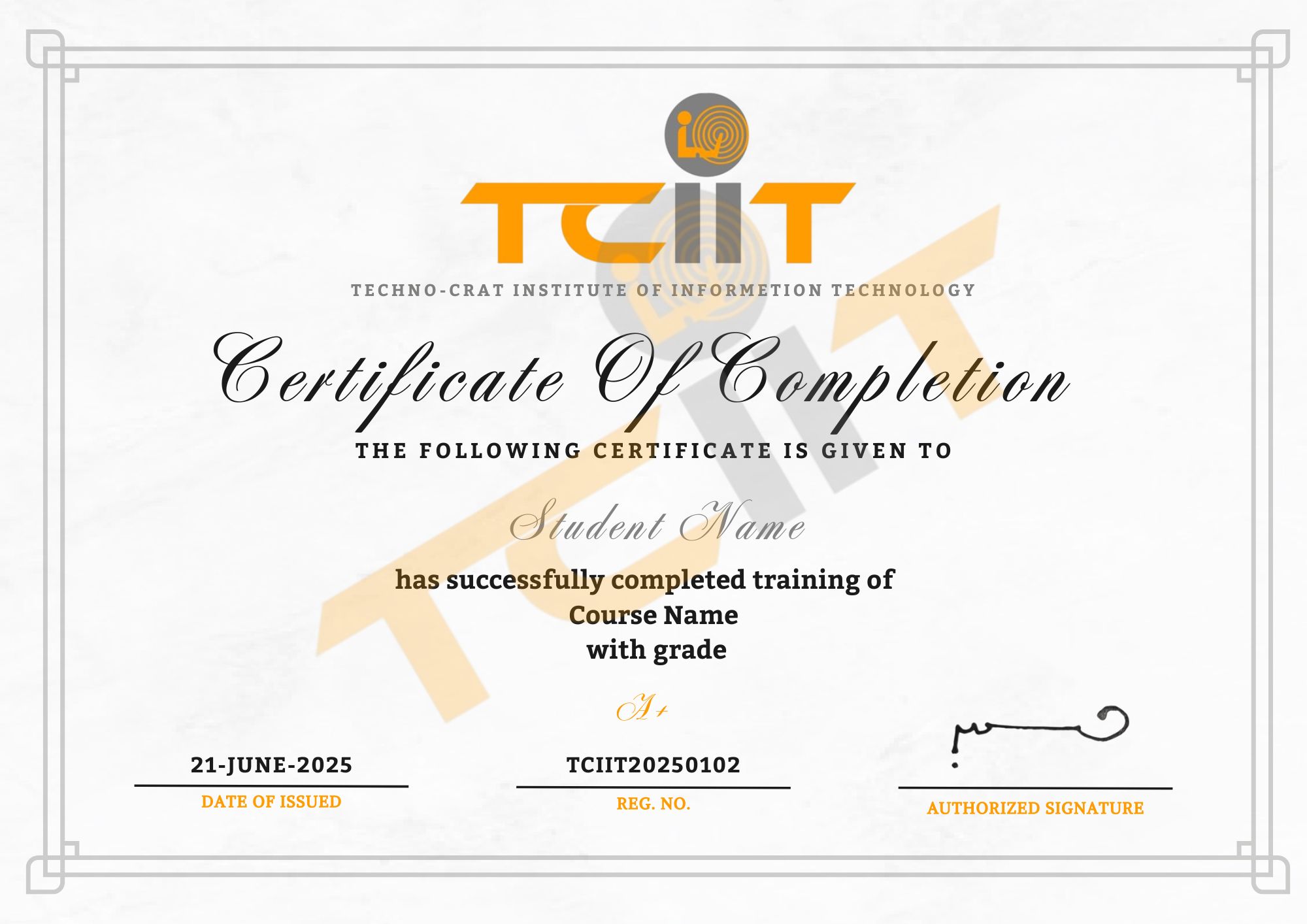
The certificate for this CompTIA A+ course will be provided through our Learning Management System (LMS), where you can easily view and download it. Add a link to your certificate on your CV or LinkedIn profile to highlight your professional achievement.

thumb
whatsapp